
Who's Online
Note: This feature is only available on mobile applications (iOS, Android, React Native) and web.
On CTV platforms, interactive features are not supported directly, but you can enable a second screen setup so viewers can participate from their phone while watching on TV.
Authenticated users can see who among their friends is in the client app. The platform has a persistent “Who's Watching” indicator in the bottom left of the screen on the video pages (double silhouette icon with number indicator) showing how many of your friends are in the app watching with you. Selecting the indicator displays a list of your friends who are online. Friends are defined as anyone the viewer has interacted with in the client app previously or if that user exists in the viewer's synced contacts.
Users can instantly set up a Watch Party or private message conversation, “ping” friends not in the app (and the system will notify them when the friend enters the app), or simply share a link in any messaging platform and friends will be routed into the app (or to the app store if they have not yet downloaded the app). The indicator will animate when the number of friends in the app changes.
Key aspects of the Who’s Online feature include:
- Indicator of friends who are in this app with you
- Animation when the number of friends in the app changes
- See which friends are in the app by selecting the indicator
- See which streams friends are watching
- Initiate a Watch Party or message with 1 or more friends who are online
Want to see the Who's Online in action? Check out this video here.
Landscape Examples
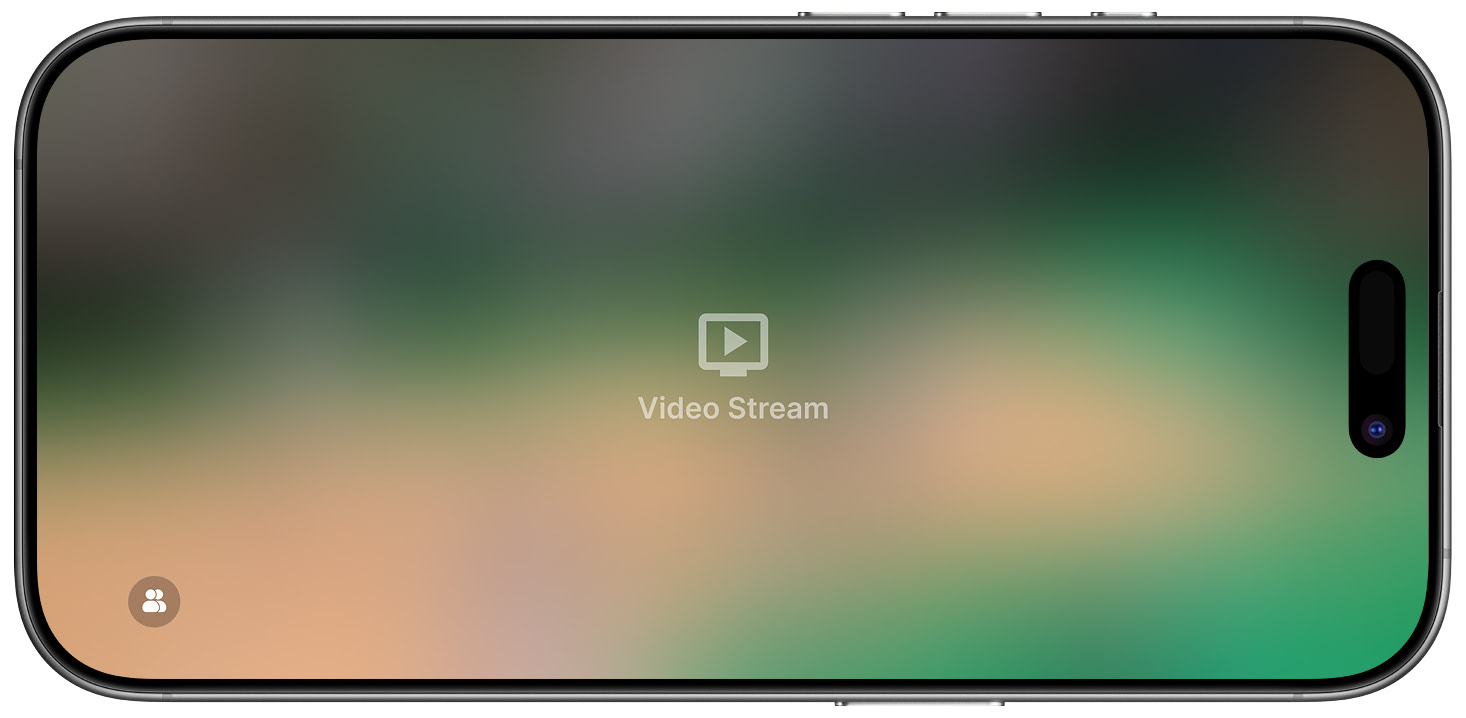
Who's Online Indicator
Who's Online Indicator in landscape mode showing static state.
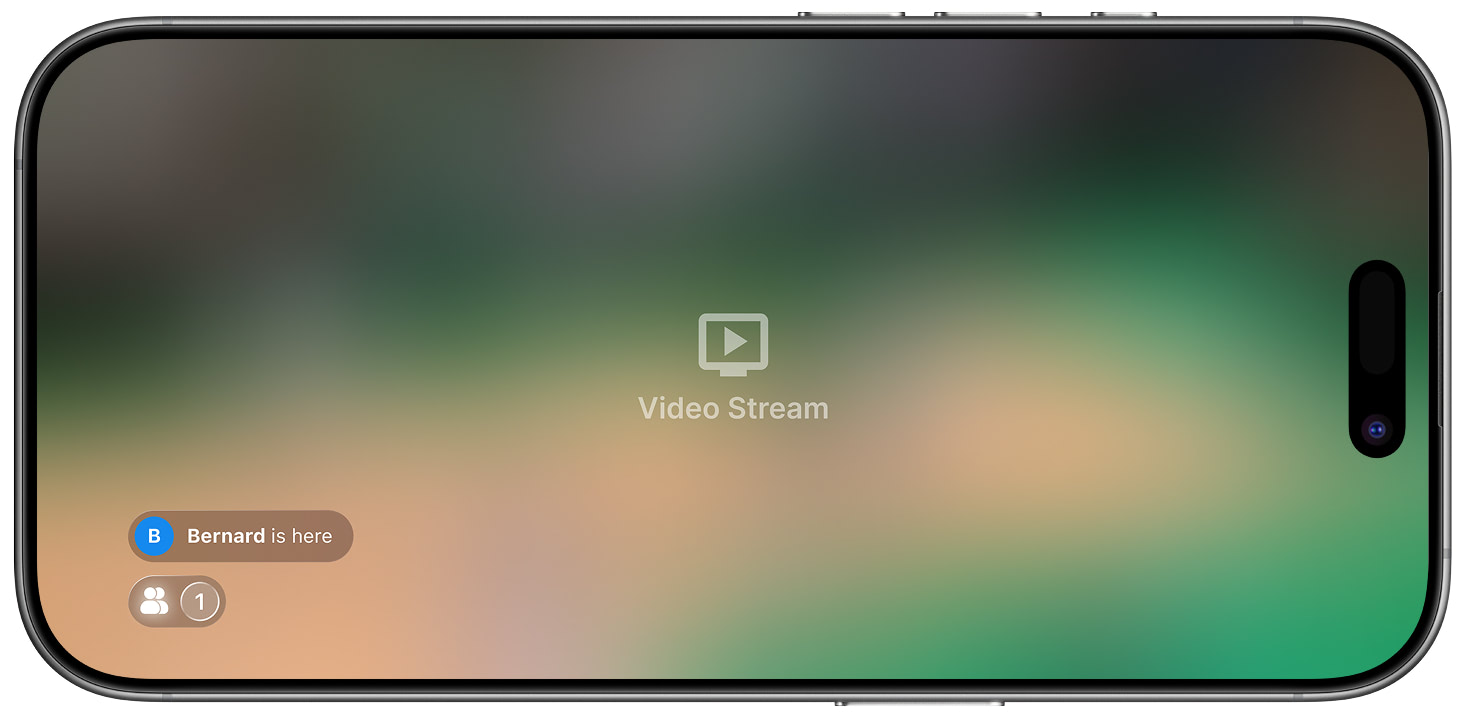
Person Online Notification
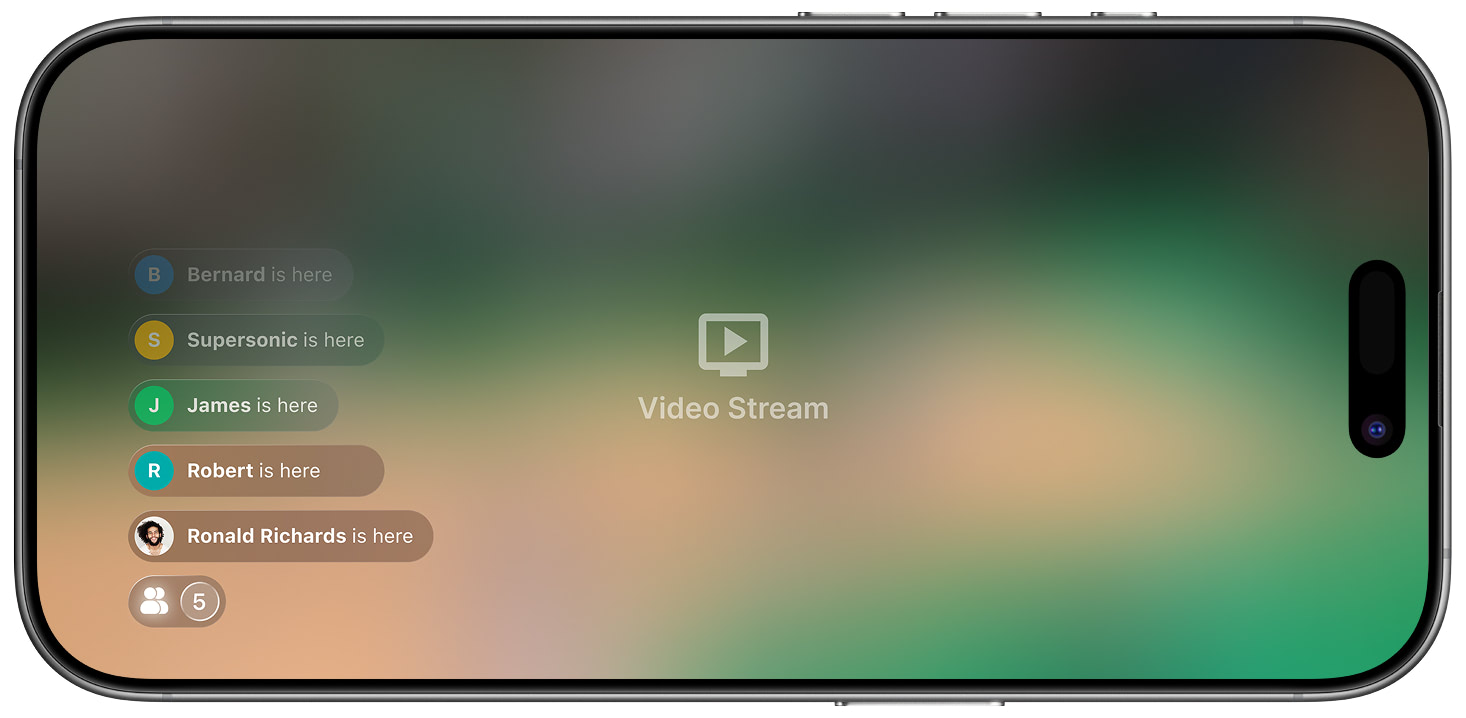
Friends Online Notifications
Who's Online Indicator in landscape mode showing new arrivals and interaction options.
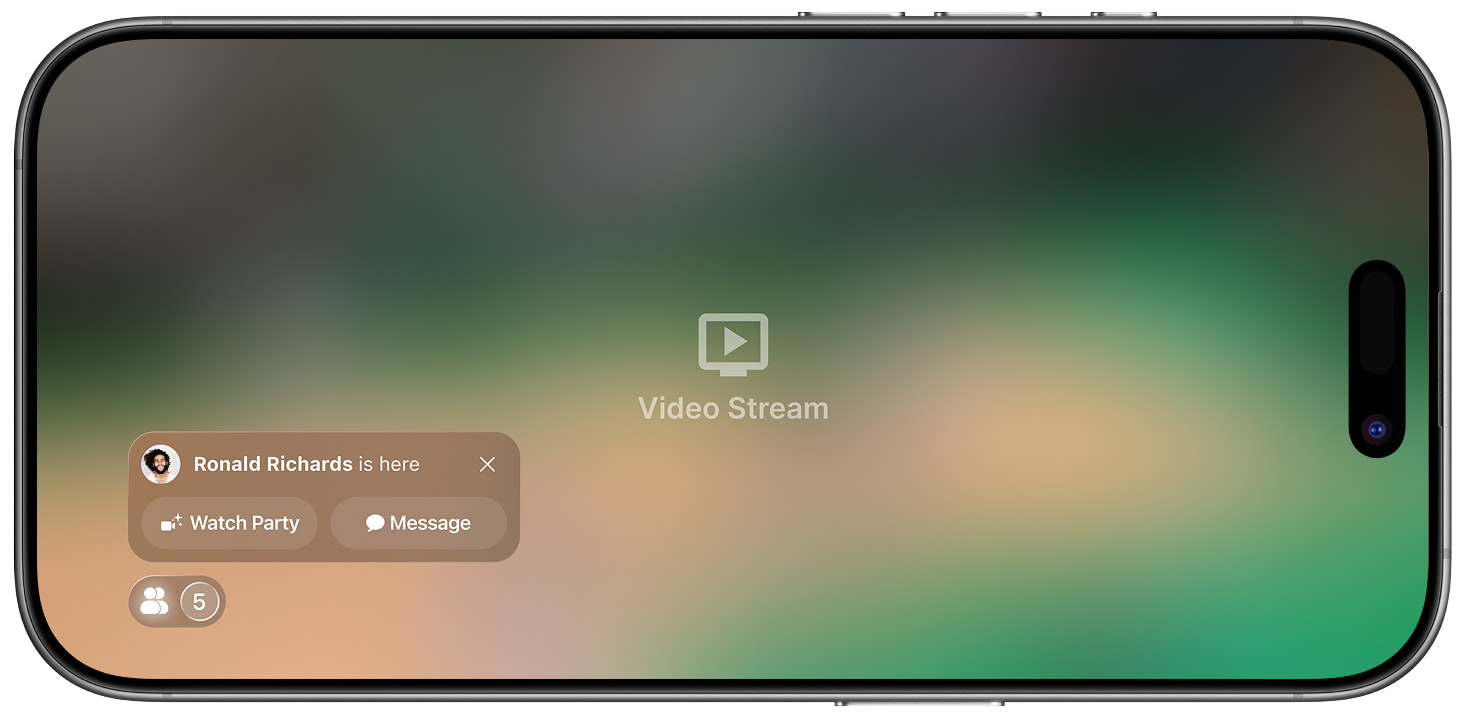
Friend Quick Actions
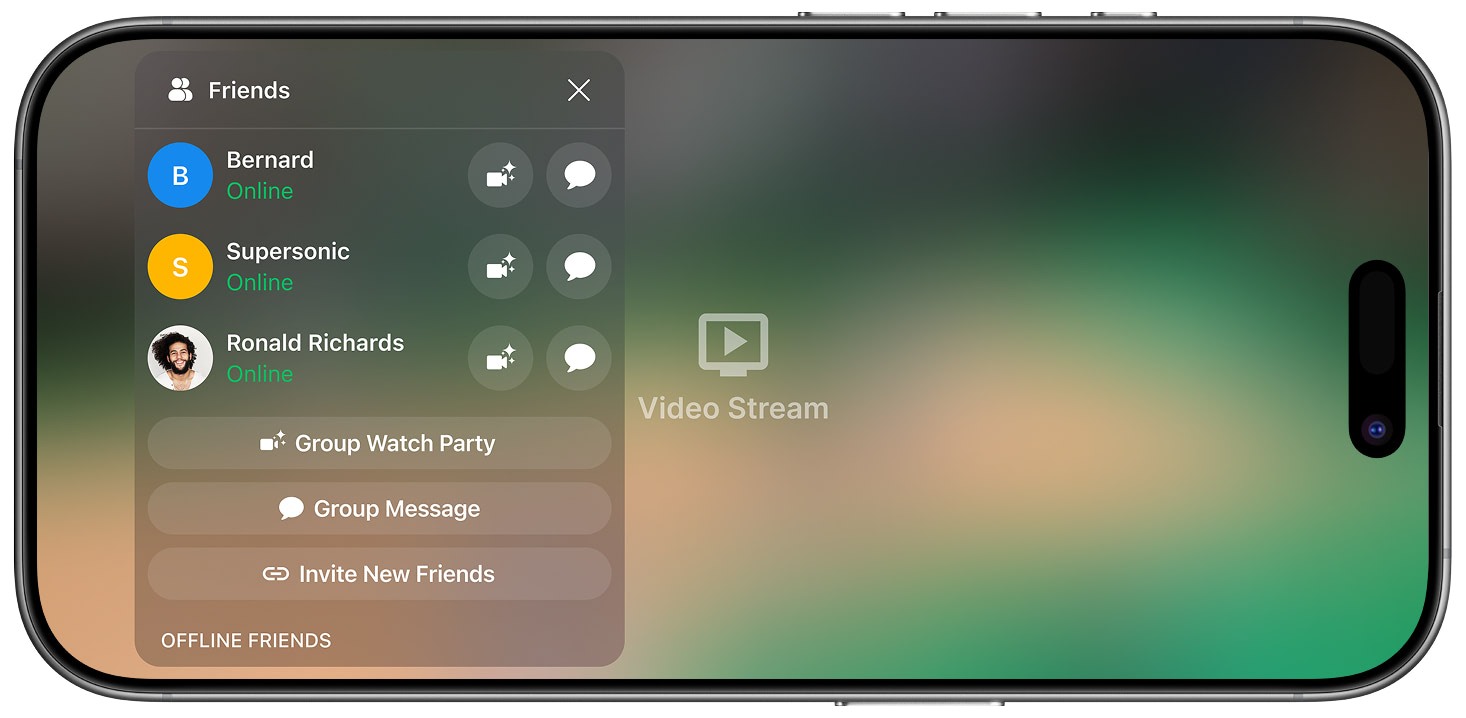
Friends Overlay
When the Who's Online Indicator is selected, an overlay showing friends online and offline, as well as invite links, is generated. From this panel Watch Parties, messages and invitations can be generated to friends who are on or offline. If online they will receive an in-app notification. If offline, they will receive an OS-level notification.
Updated 6 months ago