
About StreamLayer Studio
Centralized hub for managing events, advertising, moderation, analytics, and team roles across your StreamLayer-powered application.
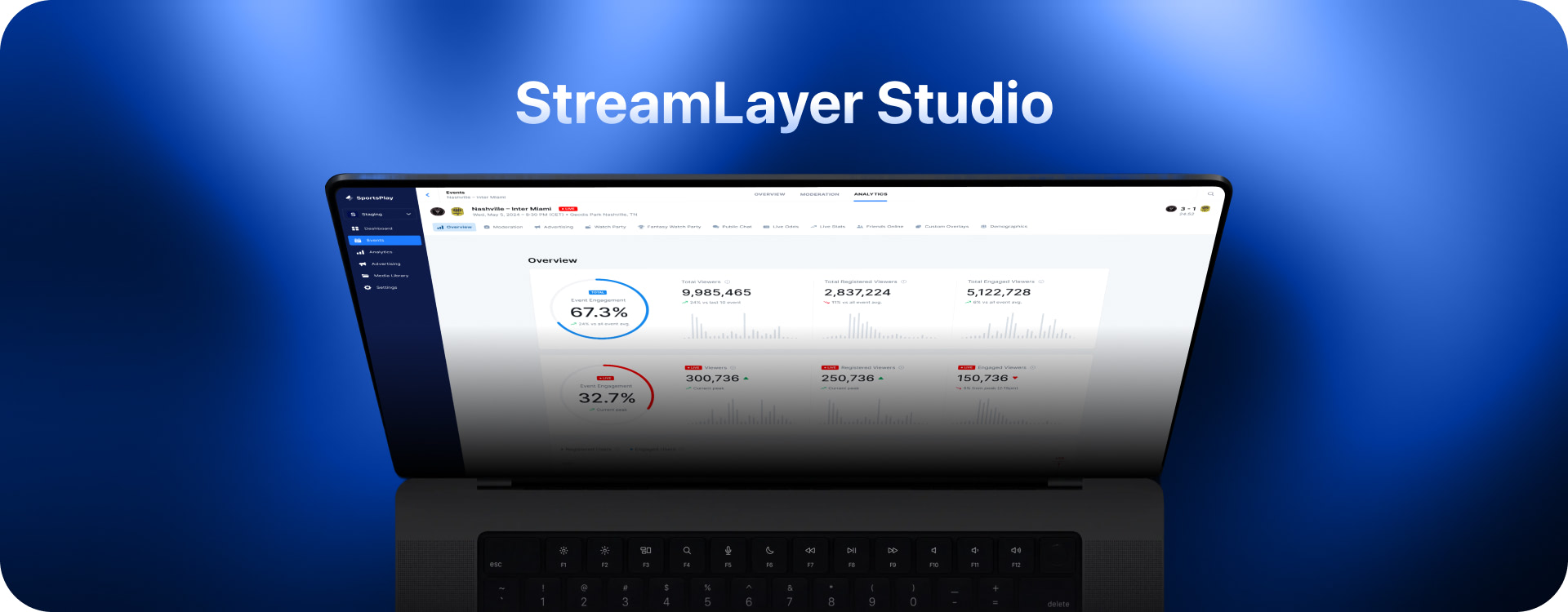
StreamLayer Studio is your centralized hub for managing your client application—with a strong focus on delivering high-impact advertising experiences. Our platform not only streamlines administrative tasks but also empowers you to create, deploy, and optimize advertising campaigns that drive engagement and revenue. In StreamLayer Studio, you can:
-
Manage Events:
-
Create and Manage Events: Organize and schedule your streams, games, or other live content, providing structured opportunities for audience engagement and premium ad placements.
-
Control Advertising Campaigns:
-
Advertising Management: Design and deploy feature-specific advertising units, such as StreamLayer Elements and L-bars. Fine-tune ad frequency, appearance, and contextual triggers to maximize impact and revenue generation.
-
Moderate Interactive Content:
-
Moderate Games: Launch interactive content like polls, trivia, predictions, insights, and social highlights that integrate seamlessly with your advertising initiatives.
-
Moderate Promotions: Manage and deploy promotional content that reinforces your advertising messages and boosts user participation.
-
Monitor Analytics for Campaign Optimization:
-
Analytics Dashboard: Access actionable insights into user engagement and advertising performance. Track key metrics such as viewer duration, ad interactions, and overall participation to refine your strategies and maximize ROI.
-
Manage People and Invitations:
-
People Management: Invite team members to collaborate in StreamLayer Studio and assign roles and permissions, ensuring efficient management of your advertising and content operations.
-
Configure Developer Settings:
-
Developer Settings: Access SDK keys, customize launch button icons, and manage integrations for notifications and deep linking. These tools support a seamless and scalable advertising infrastructure across your application.
By combining robust advertising controls with comprehensive content management and analytics, StreamLayer Studio enables you to deliver dynamic, revenue-driving campaigns while maintaining full control over your streaming environment. For further details on each feature, please refer to the individual documentation pages linked above.
You can access StreamLayer Studio at StreamLayer Studio. To get started, you will need account credentials. You can request these either from StreamLayer, or from a member of your team that already has access.
Related
- Managing Events — Create, search, and configure events
- Global Advertising — Set up advertising across all events
- Moderation - Games — Create polls, trivia, predictions, and insights
- Analytics — Track viewer engagement and campaign performance
Updated about 1 month ago