
Free-To-Play Games
StreamLayer's gamification platform offers polls, trivia, and prediction questions synced to live video with points, leaderboards, and peer-to-peer invites.
Note: This feature is available on mobile (iOS, Android, React Native) and web. On CTV platforms, enable a second-screen setup so viewers can participate from their phone while watching on TV.
StreamLayer's gamification platform brings fans closer to the action with polls, trivia, and prediction questions synced to the live video. Through timely, in-game interactive prompts, gamification drives view times, peer-to-peer invites, and retention.
Question Types
Polls, trivia, and predictions are all managed through StreamLayer Studio. Each can be activated via time-based triggers, event triggers (from the live data feed), or manually by a moderator. All question types sync to game action to prevent spoilers.
- Polls — Gauge viewer opinion during the action. Example: "Who will score next?" or "Will the player miss the next shot?"
- Trivia — Multiple-choice questions with one correct answer. Example: "Who has the most points this season?" or "Which player won the league MVP last year?"
- Predictions — Viewers anticipate outcomes of future play. Example: "Who will win the hole?" or "Who will score the next run?"
Points and Leaderboards
Points are awarded for correct trivia and prediction answers. Viewers can track their performance against all other players in the stream or just against their friend group. Leaderboard data and StreamLayer reporting can be used to award prizes and rewards to top players.
Peer-to-Peer Invites
Viewers can invite friends to play along with a single tap—copying an invite link into their messaging platform. Recipients are routed to the app store or directly into the game. This viral mechanic has proven to drive downloads, registrations, and dwell time.
Step-by-Step Walkthrough
Step 1 — Choose to play and review the rules
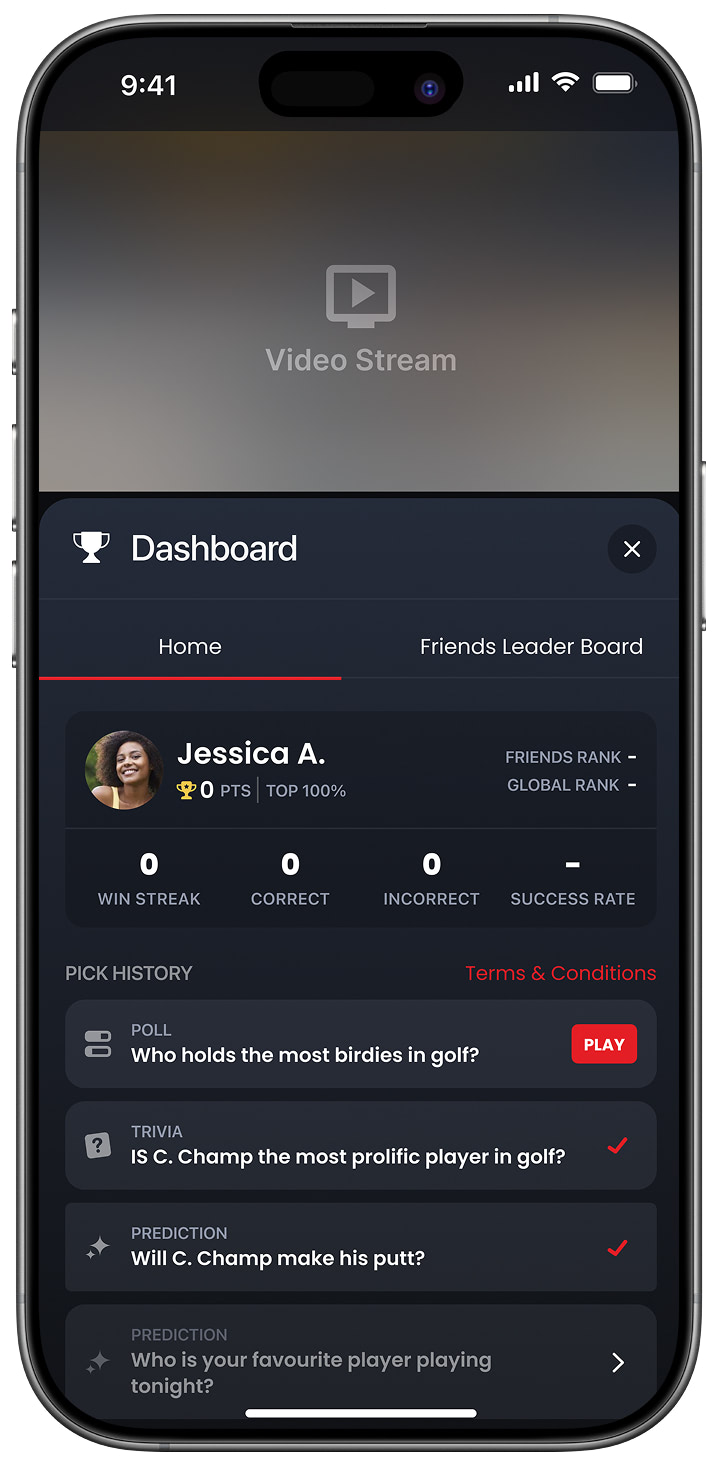
Dashboard Portrait View
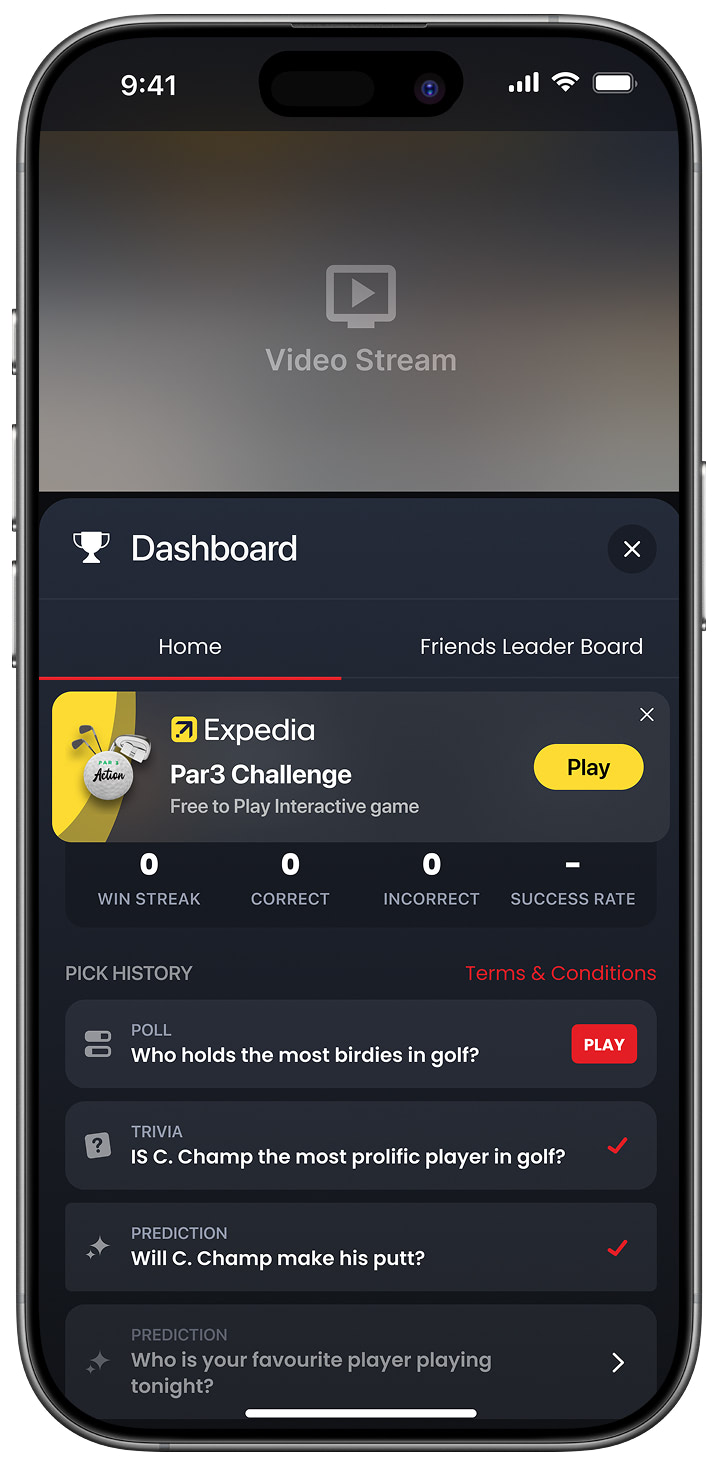
Game Notification
Step 2 — Tap a question to play
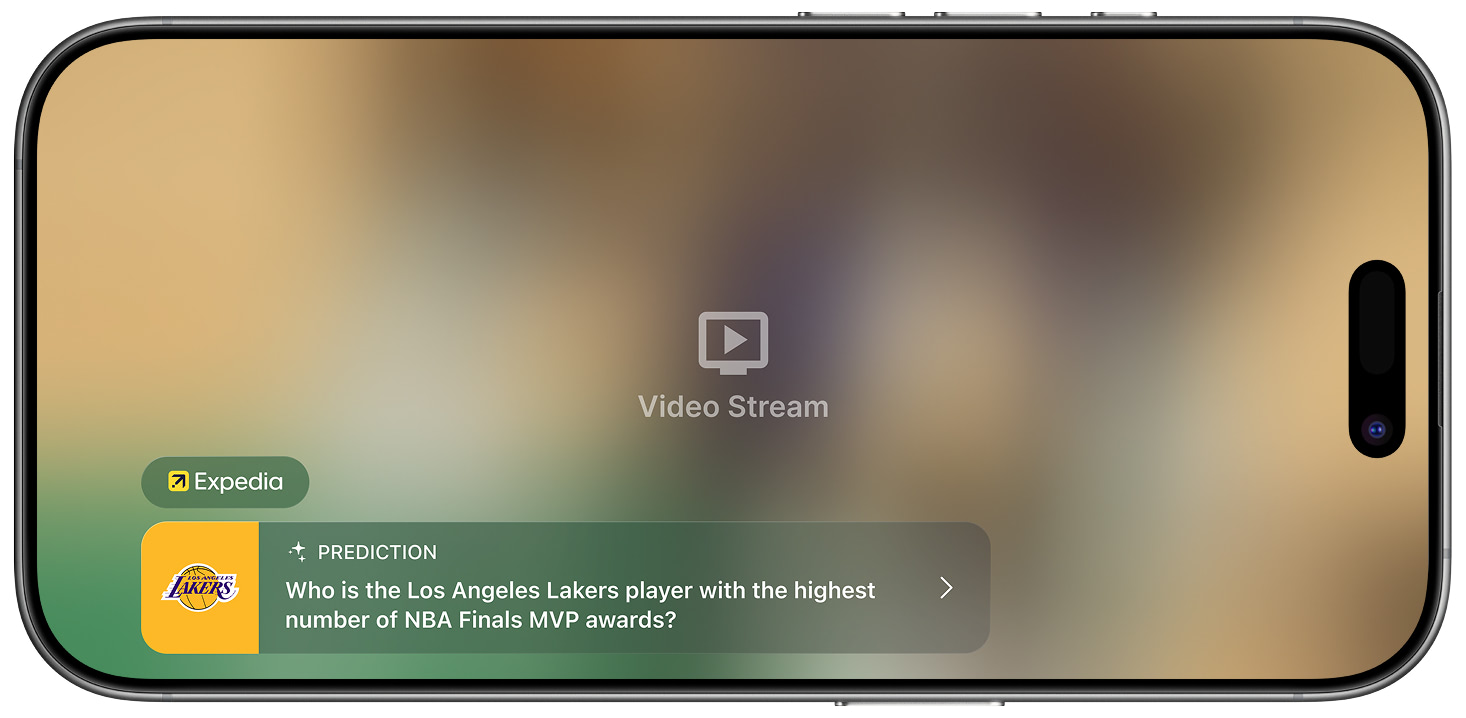
Prediction Notification
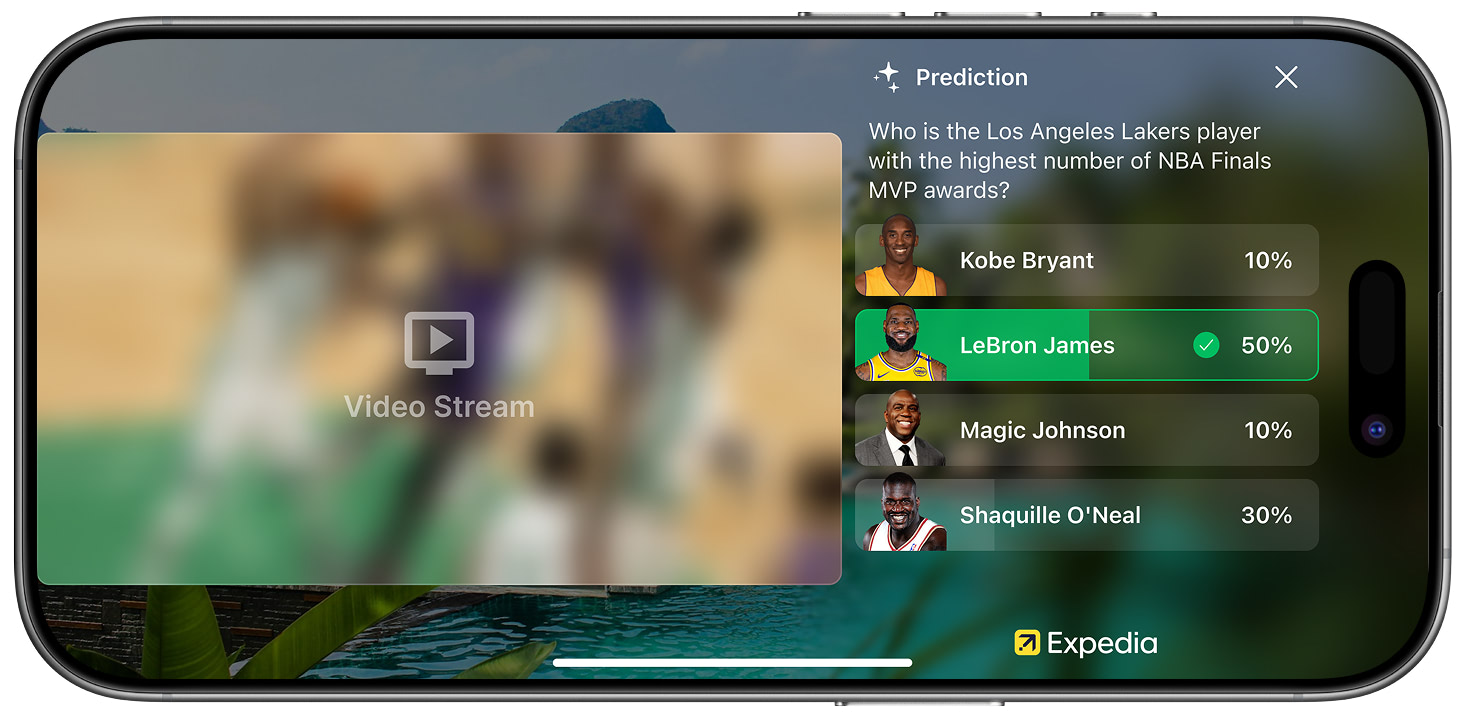
Opened Prediction in Side Panel
Step 3 — Make your selection and view results
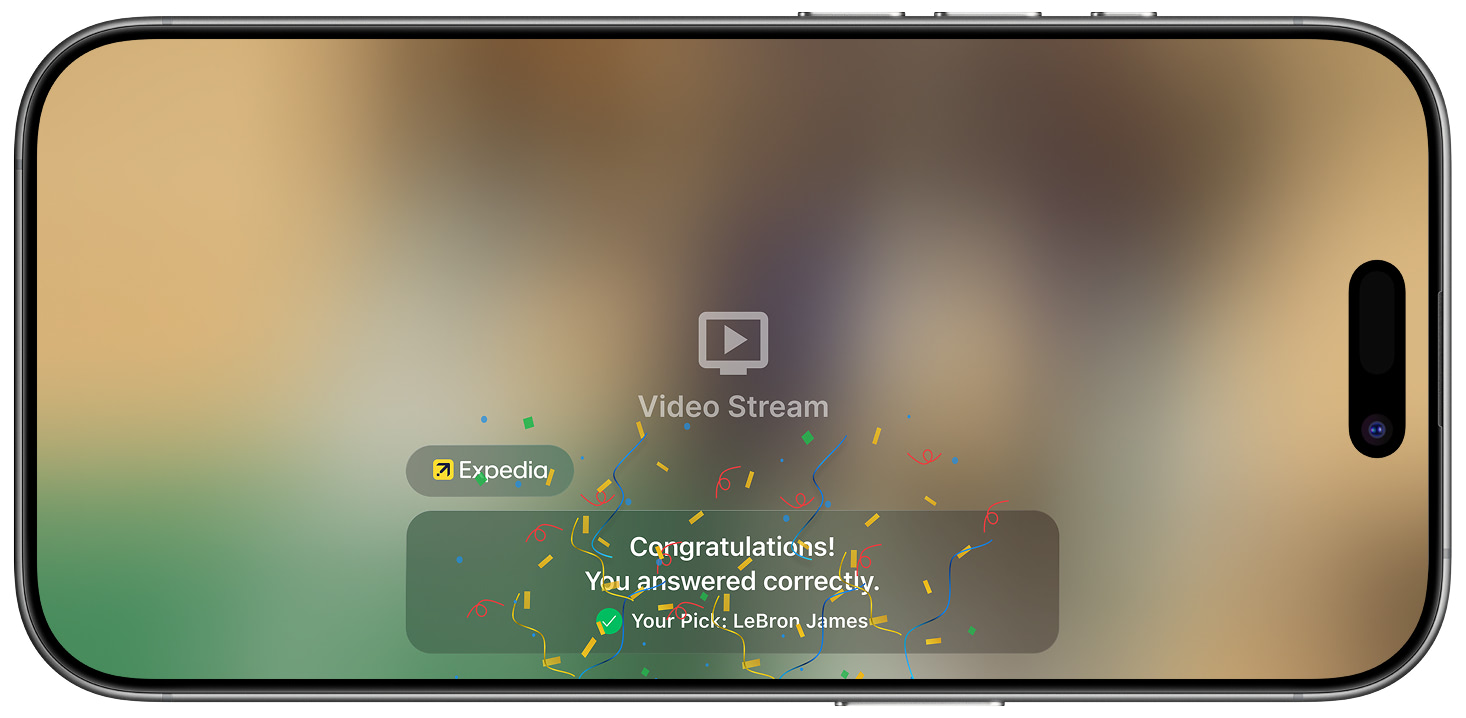
Prediction Results Notification
Step 4 — Receive a results notification when the prediction resolves
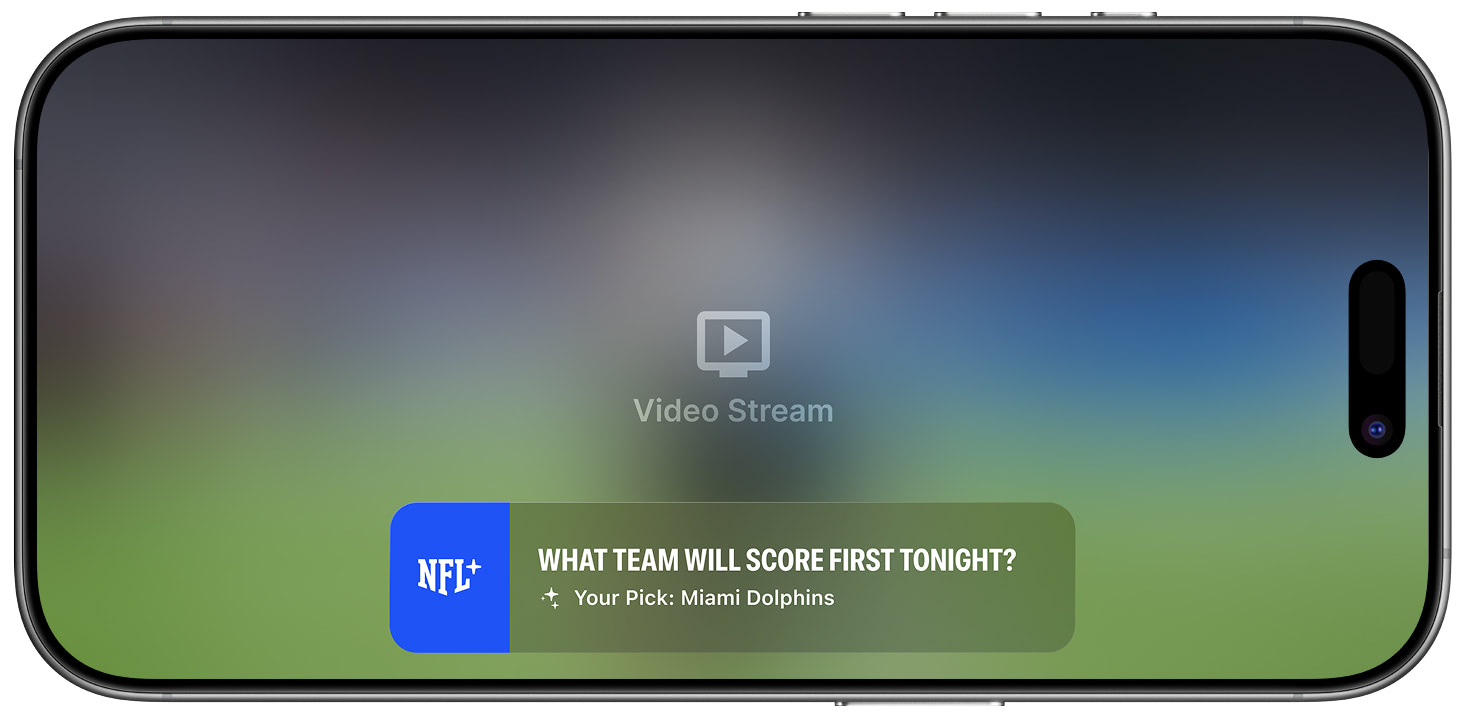
Prediction Results: State 1
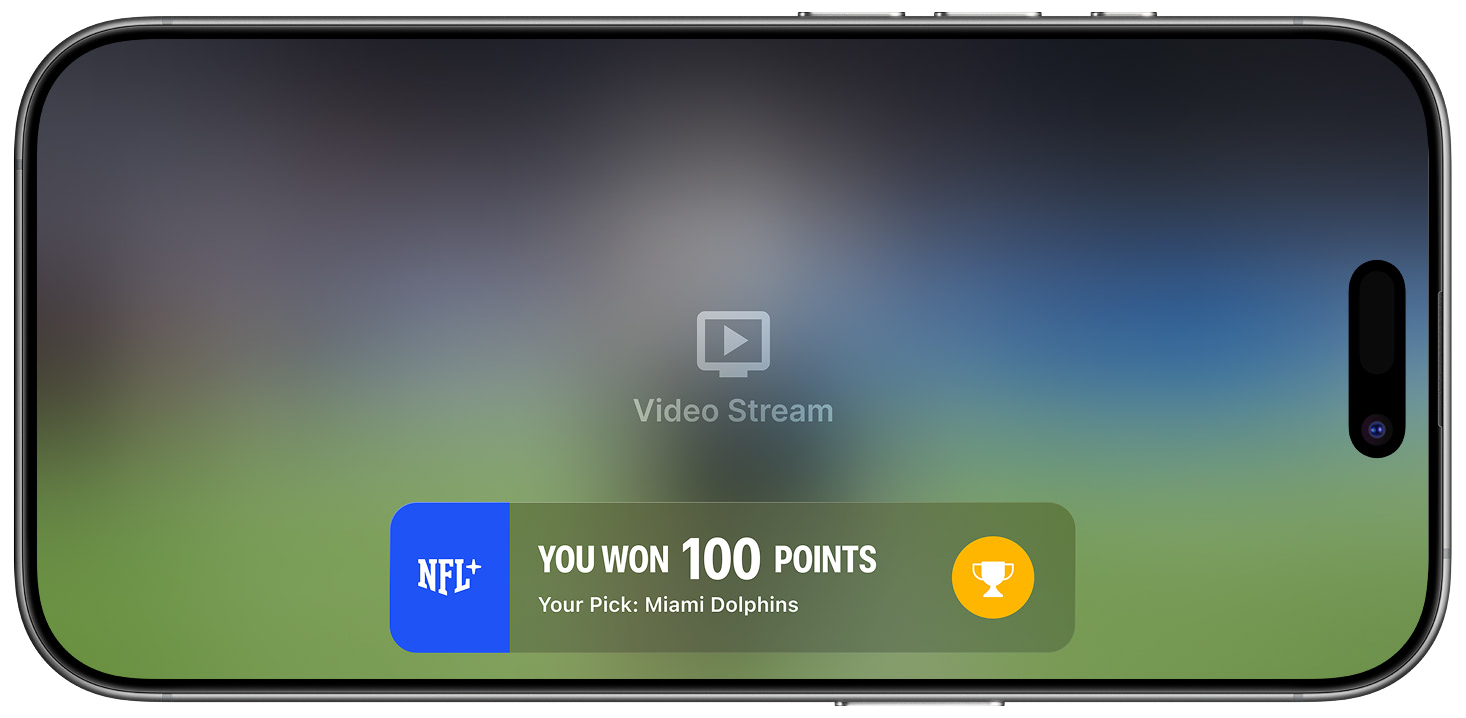
Prediction Results: State 2
Step 5 — Track your score on the leaderboard
Access the scorecard by selecting the Games submenu option or tapping the trophy icon with your points total.
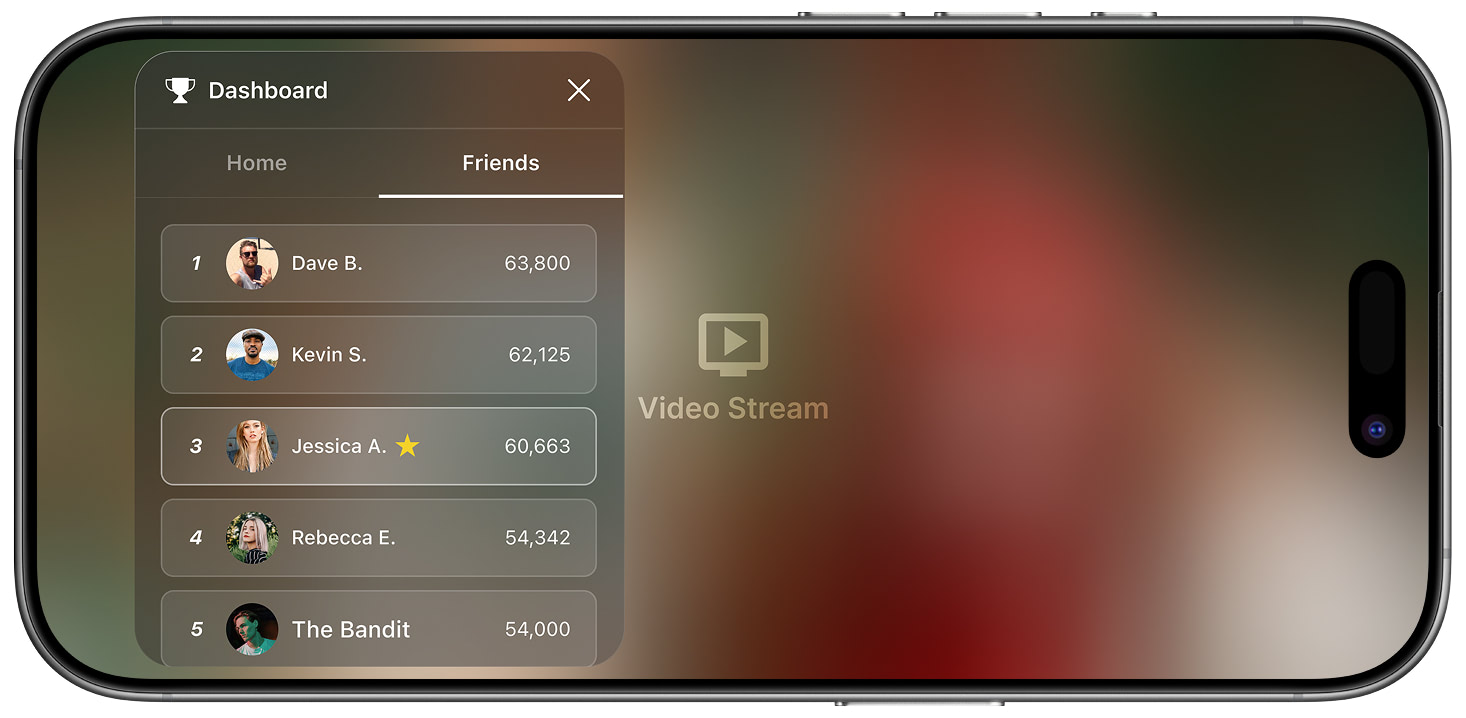
Friends Leaderboard View
Related
- Insights — Real-time updates using the same notification framework
- Feature Sponsorship — Attach sponsors to gamification features
- In-App Notifications — How game notifications are delivered
Updated 8 months ago