
Managed Watch Party Integration Guide
Managed Group Session Integration Guide
Now that you know all about the Managed Group Session, this integration guide will walk you through integrating it into your application step by step.
Before starting, you should configure the StreamLayer SDK with our Integration Guide.
If you want to make additional customizing of how watchparty looks (chat overlay width, initial user icon appearance, position insets) use managedGroupConfig as described below:
if UIDevice.current.userInterfaceIdiom == .pad {
      StreamLayer.config.managedGroupConfig = .init(
        watchPartyLandscapeInset: .init(top: 16, left: 0, bottom: 0, right: 0),
        watchPartyInitialDraggableArea: .top,
        managedGroupOverlayWidth: 240
      )
    }
Step 1: Get the user authenticated with StreamLayer
StreamLayer.setExternalAuth(enable: true)
 StreamLayer.setAuthorizationBypass(token:<user_token>, schema: <organization scheme>) { res in
      switch res {
      case .success(let success):
          print("Authorization completed: \(success)")
      case .failure(let error):
          print("Authorization failed: \(error)")
      }
    }
Step 2: Create a Managed Group Session
StreamLayer.createManagedGroupSession(for: groupId, title: "group title", completion: { [weak self] managedWPSession, error in
      if let session = managedWPSession {
// you should store create session
        self?.session = session

// you might want to subscribe on `unsubscribed` event to refresh your UI
        self?.session?.onUnsubscribed = {
          self?.release()
        }
      } else if let error = error {
        print("Error while creating watch party: \(error.localizedDescription)")
      }
    })
Step 3: Draw the Indicator
Your user is now subscribed to all changes of the created Managed Watch Party. Draw an indicator on screen indicating the user is online like in the picture below.
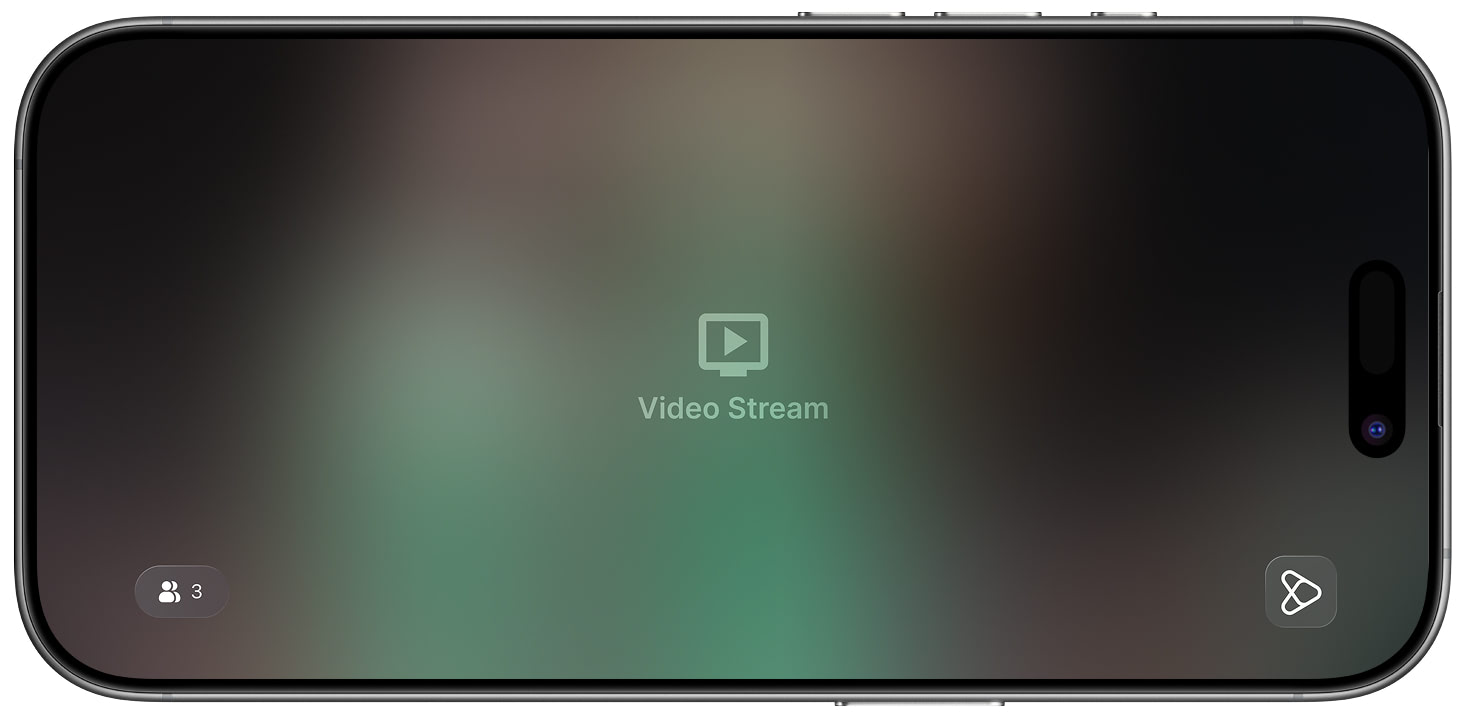
Pressing on this button should lead you to the real watch party with users by calling the following code:
session.openWatchParty()Step 4: Create chat button
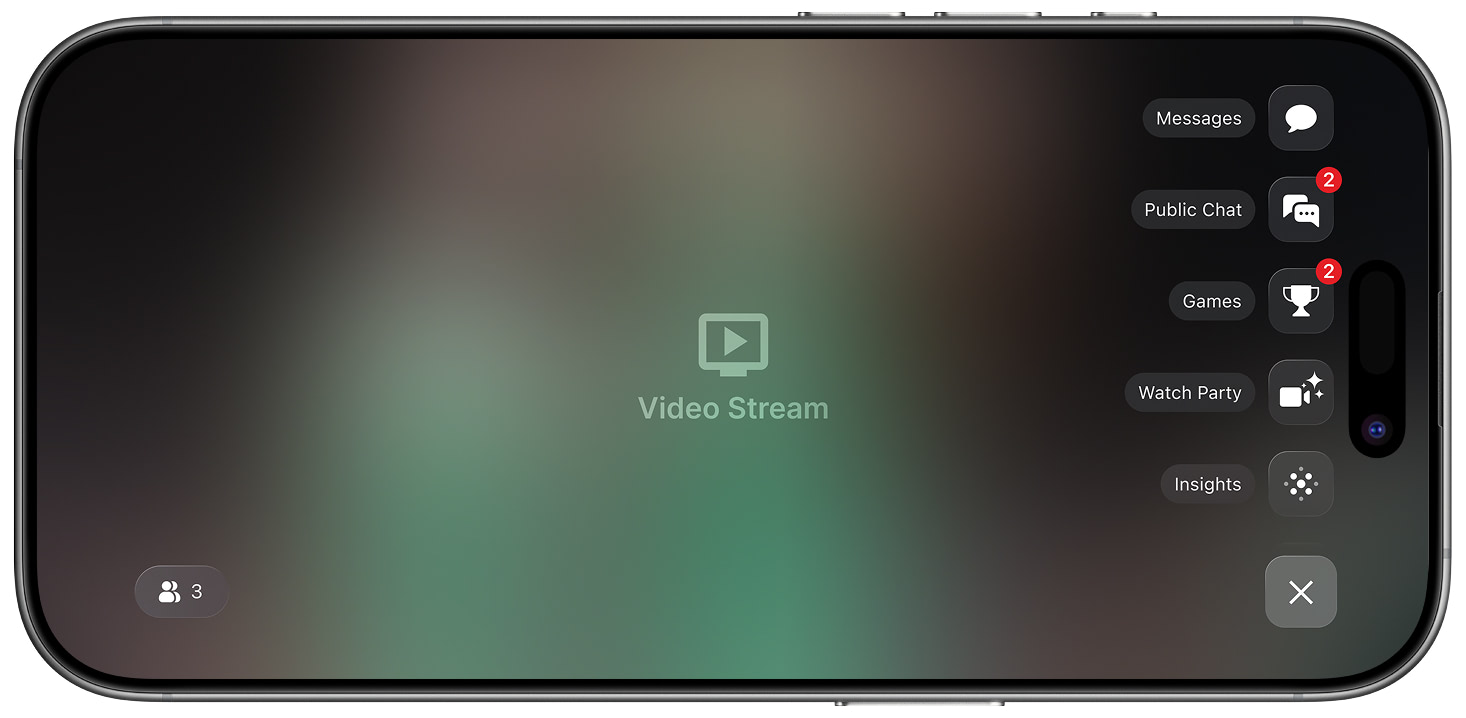
Pressing on this button should lead you to the chat
session.openChat()Step 5: To send a message to the Managed Group Session, execute the following:
session.sendMessage(<message text>, completion: { _ in })Step 5.1 Messages
Every message has the following signature:
struct Message {
    public var user: User
    public var content: String // message text
    public var date: Date
  }

struct User {
    public var id: String
    public var bypassId: String
  }
You may subscribe to a new message stream
session?.messages = { message in
 //here you can store message and show it for user
}
If you need to detect what user the message belongs to, you can use the session.currentUserId property.
Step 5.2: Watch Party Events
Every event has the following signature:
enum Event {
    case participantAdded(participant: Participant)
    case participantUpdated(participant: Participant)
    case participantRemoved(participant: Participant)
    case sessionReleased
  }

struct Participant {
    public var user: User
    public var status: ParticipantStatus
  }

  public enum ParticipantStatus: String {
    case pending = "PENDING"
    case subscribed = "SUBSCRIBED"
    case onCall = "ON_CALL"
  }
You may subscribe to new event streams like this:
session?.events = { event in
 //here you can store event and show it for user
}
Step 5.3: Participant List
If you need to know the exact list of participants for the current Managed Watch Party you can use session.participants property.
Step 6: Release the Session
When you need to close the current managed watch party session, please use:
session.release()
Updated 6 months ago