
Developer Settings
Access SDK API keys, configure push notifications with APNs and Firebase, set up Branch.io deep linking, and customize the SDK icon in Developer Settings.
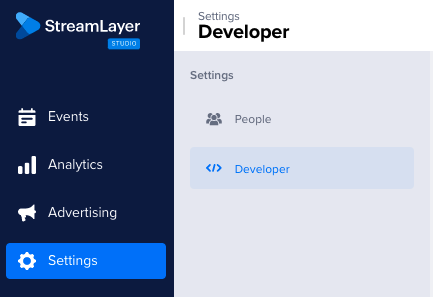
When you are logged into https://studio.streamlayer.io/ and click on the Settings panel you can make changes to your Developer Settings. From here you can generate / retrieve your SDK API Key, configure your push notifications settings, register firebase credentials, and update your company logo.
SDK Key
This is where you can retrieve your SDK API Key. You need your SDK API Key in your app to authenticate interactions with the StreamLayer server. If you want to change your SDK API Key, you can remove the existing key and generate a new one using the on screen controls. Take care! If you remove an existing SDK API Key, users running older versions of software will lose StreamLayer functionality until they update to a new version with your new StreamLayer SDK API Key.

Deep Links API
The StreamLayer invite friends functionality is based upon the Branch.io deep linking and mobile attribution service. Branch.io helps connect users smoothly so they can join a chat right after installation and authentication has been completed.
Here are the steps you will need to follow to set up this feature correctly.
-
Go to the StreamLayer dashboard
-
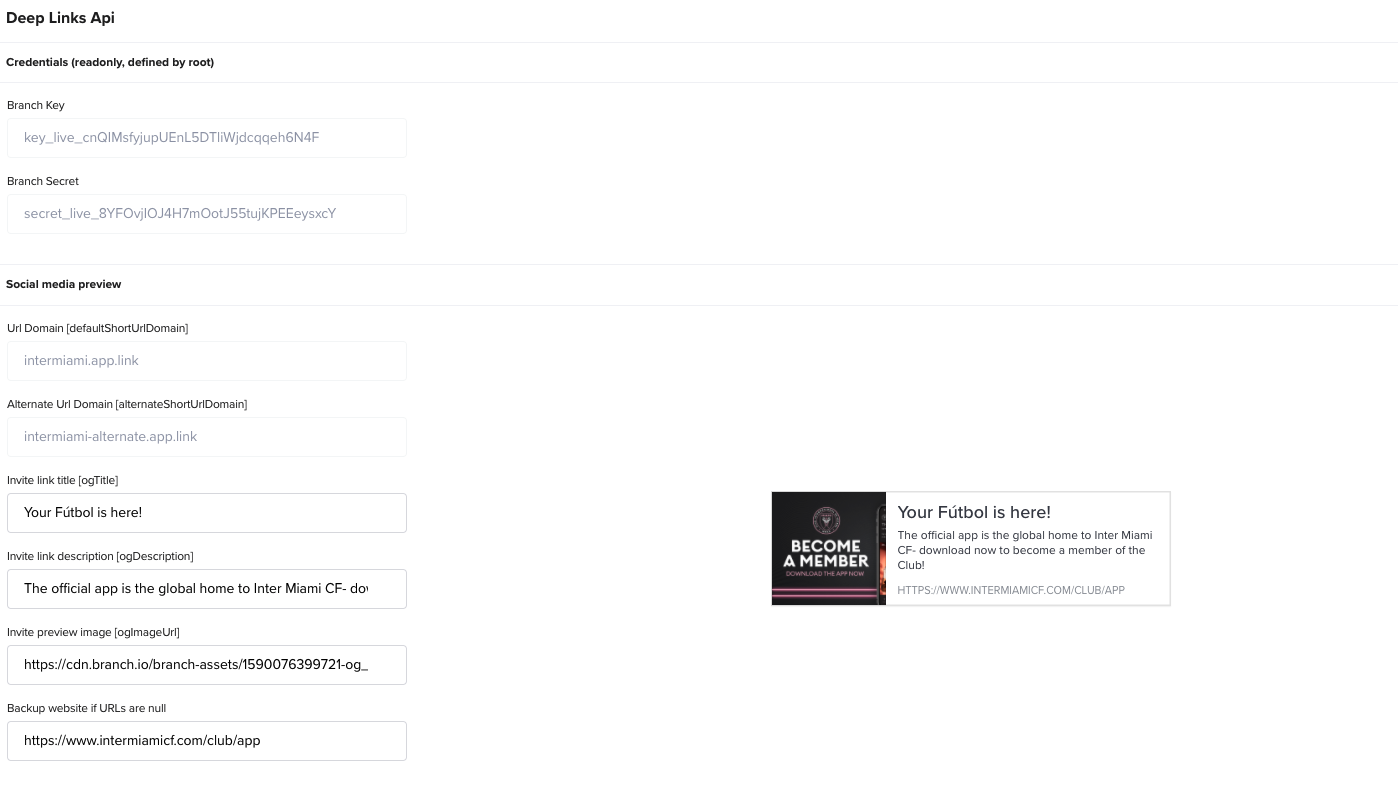
Make sure that the branch key and branch secret are shown like in the screenshot below. If it is not, please contact us to set up this feature in your StreamLayer account.
-
Set up Android and iOS branch.io settings (links to google play store and apple store, bundles, IDs, etc.)
-
You can also set up additional settings at branch.io dashboard - including redirects for desktop, default templates, etc. At least we recommend setting up Deepview templates https://dashboard.branch.io/configuration/deepview-manager and custom domain. For additional questions, check the branch.io documentation reference.
APNs
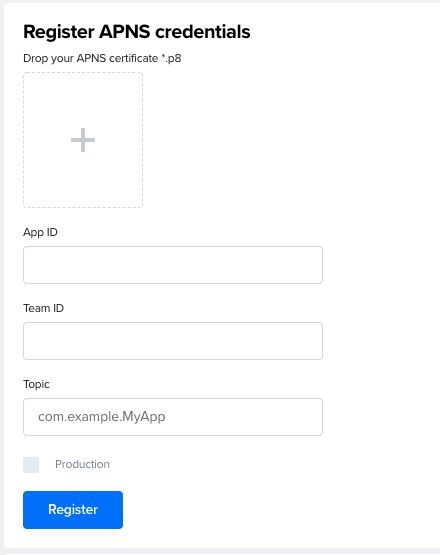
To send push notifications to your iOS users, you need to load your app's APNs (Apple Push Notification Service) credentials into the StreamLayer service. You can retrieve this information by logging into your Apple developer account
Firebase
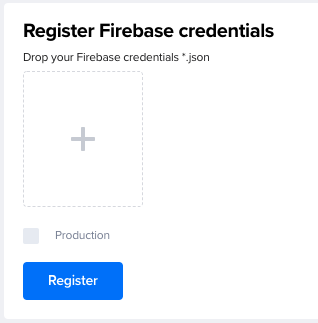
For Android applications, the StreamLayer SDK uses the Firebase for push notifications, you can integrate their service into StreamLayer. Drop your Firebase credentials (json file) into the settings panel and select Register.
SDK Icon
You can customize your organization's logo in StreamLayer by uploading an icon here.
Adding additional Admins to the Organization
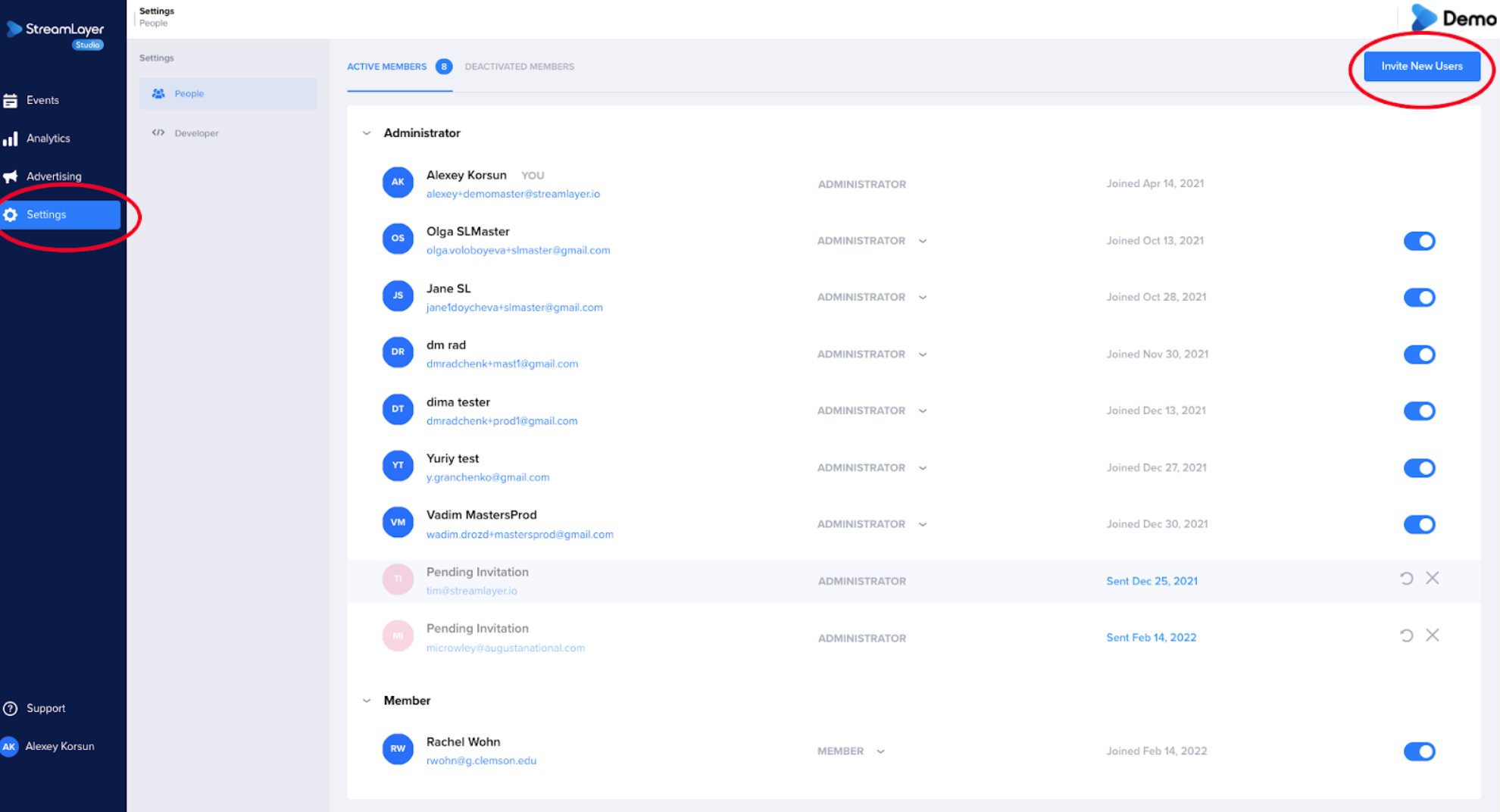
To add new administrators to StreamLayer Studio, navigate to the Settings tab from the left side menu. Then click on the Invite New Users button in the upper right corner of the screen.
Related
- People — Invite team members and assign roles
- About StreamLayer Studio — Platform overview and capabilities
- Managing Events — Create and manage events in your organization
Updated 7 months ago