
In-App Notifications
StreamLayer's in-app notification system delivers contextual alerts for messages, game events, polls, trivia, tweets, and insights during live content.
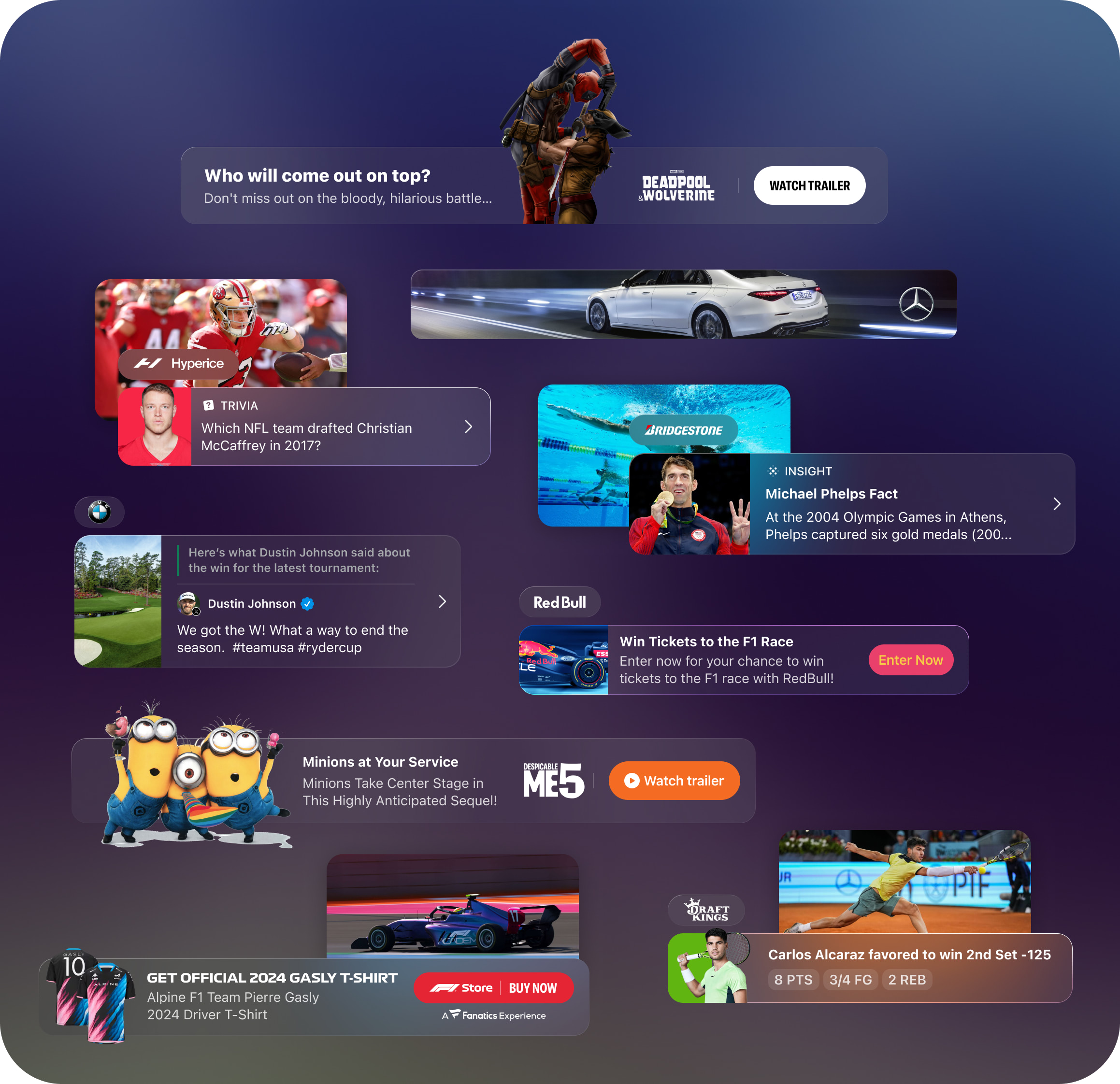
StreamLayer's in-app notification system alerts viewers to relevant activity during live content. Notifications can be configured to activate automatically at specific times, after set intervals, or based on in-game action. Messaging can be dynamically customized based on game context, and rich animations create branding opportunities—for example, a statistical insight that transitions into a sponsored message.
Notification Types
- New message received
- New X post arrives for the game being watched
- A highlighted X post is pushed based on in-stream action
- A new poll, trivia, or prediction question is available
- A featured insight or fast fact is available
- Live Moment Notifications connecting ad units to game action
Managing Notifications
Notification settings can be managed at two levels. Administrators configure which notifications to generate at the client level through StreamLayer Studio—including the option to auto-display content for all viewers or specific segments without notifications. Viewers manage their own preferences in the profile section, choosing which feature notifications they want to receive.
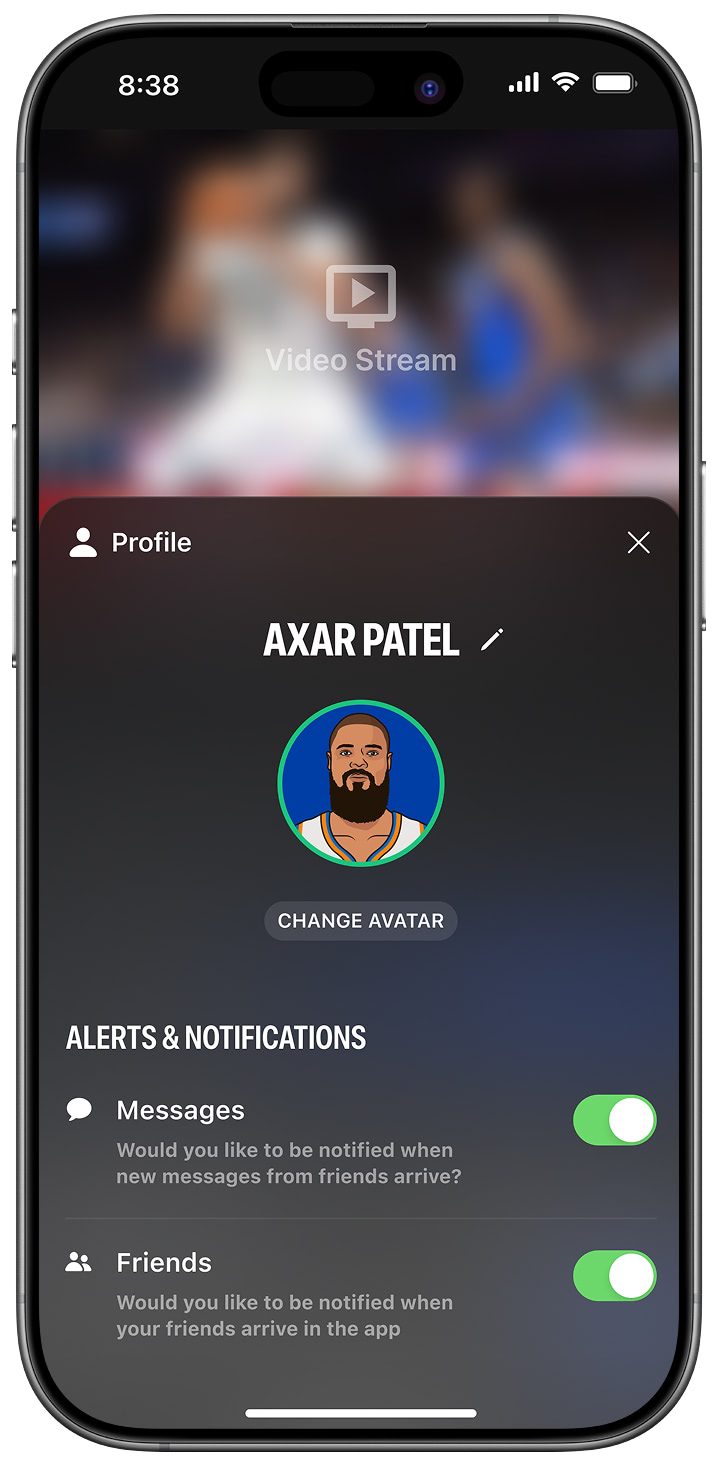
Display Examples
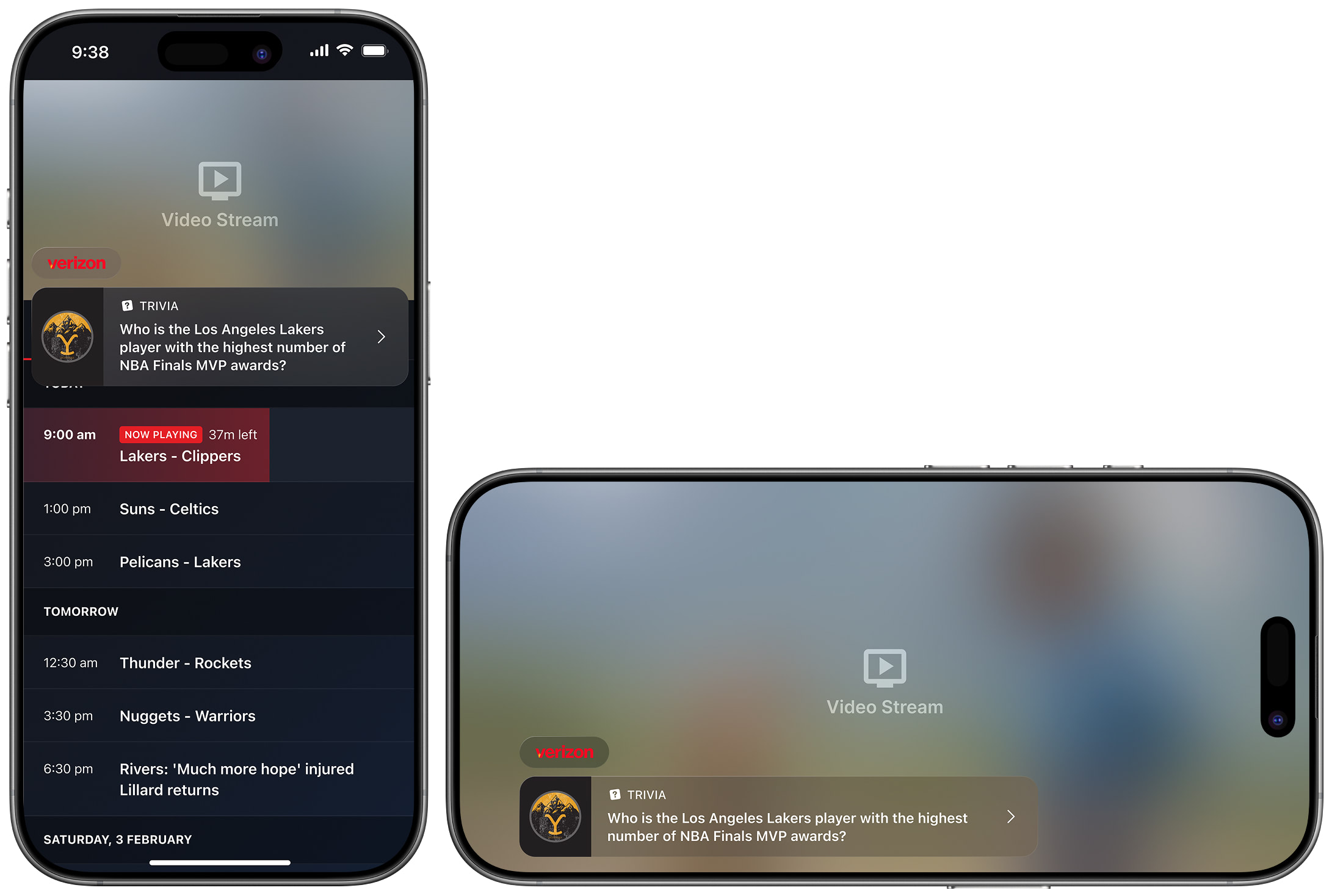
StreamLayer Element Example 1
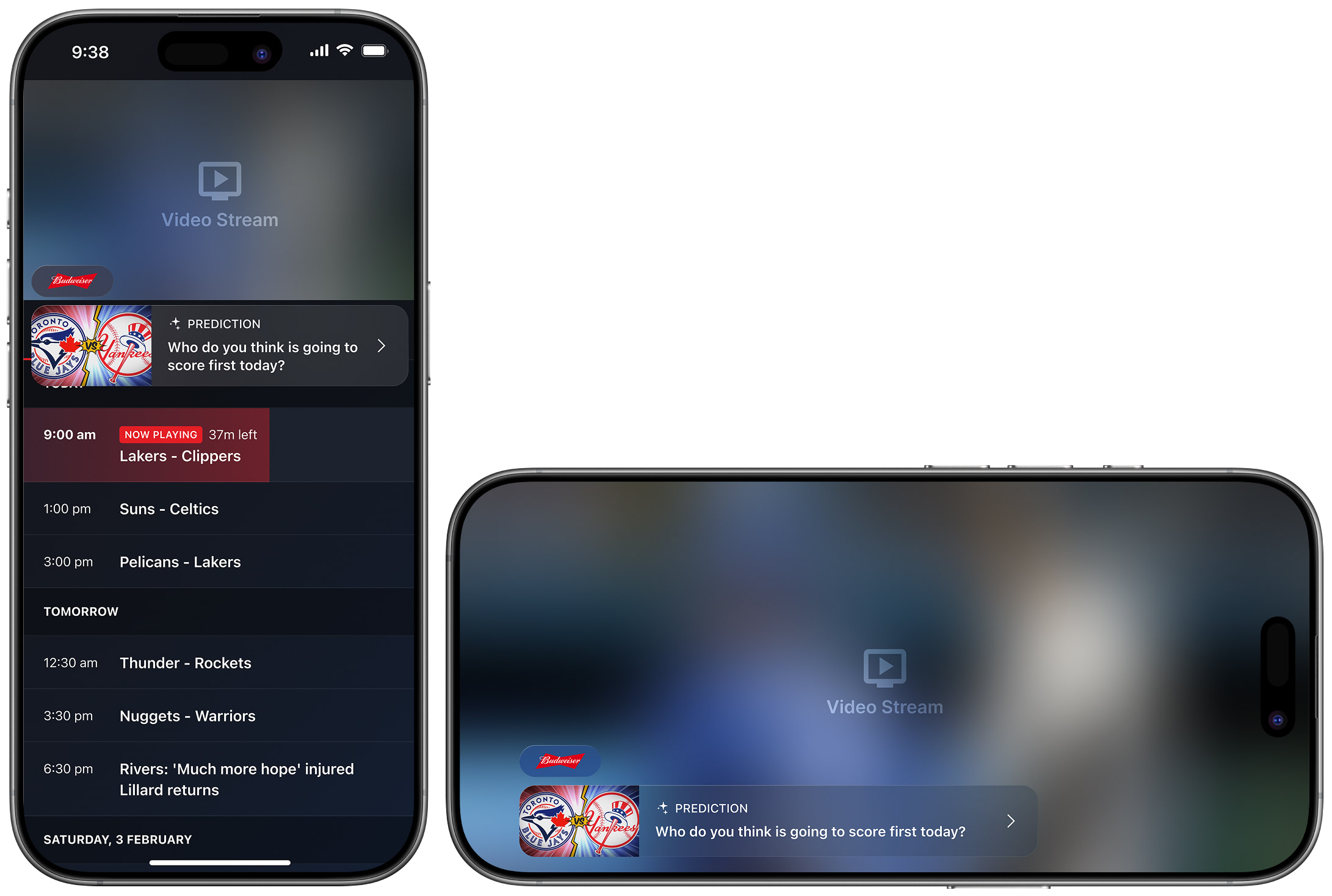
StreamLayer Element Example 2
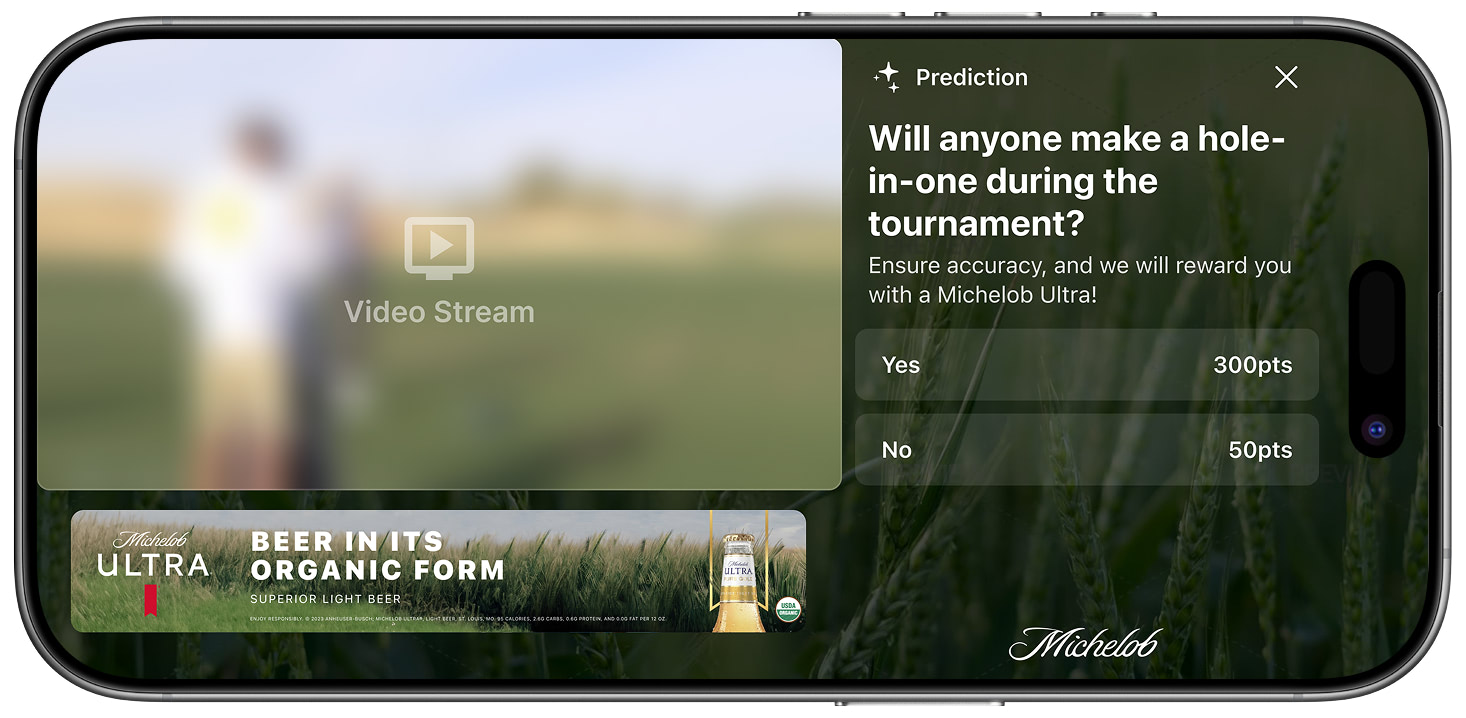
Sidebar Example 1
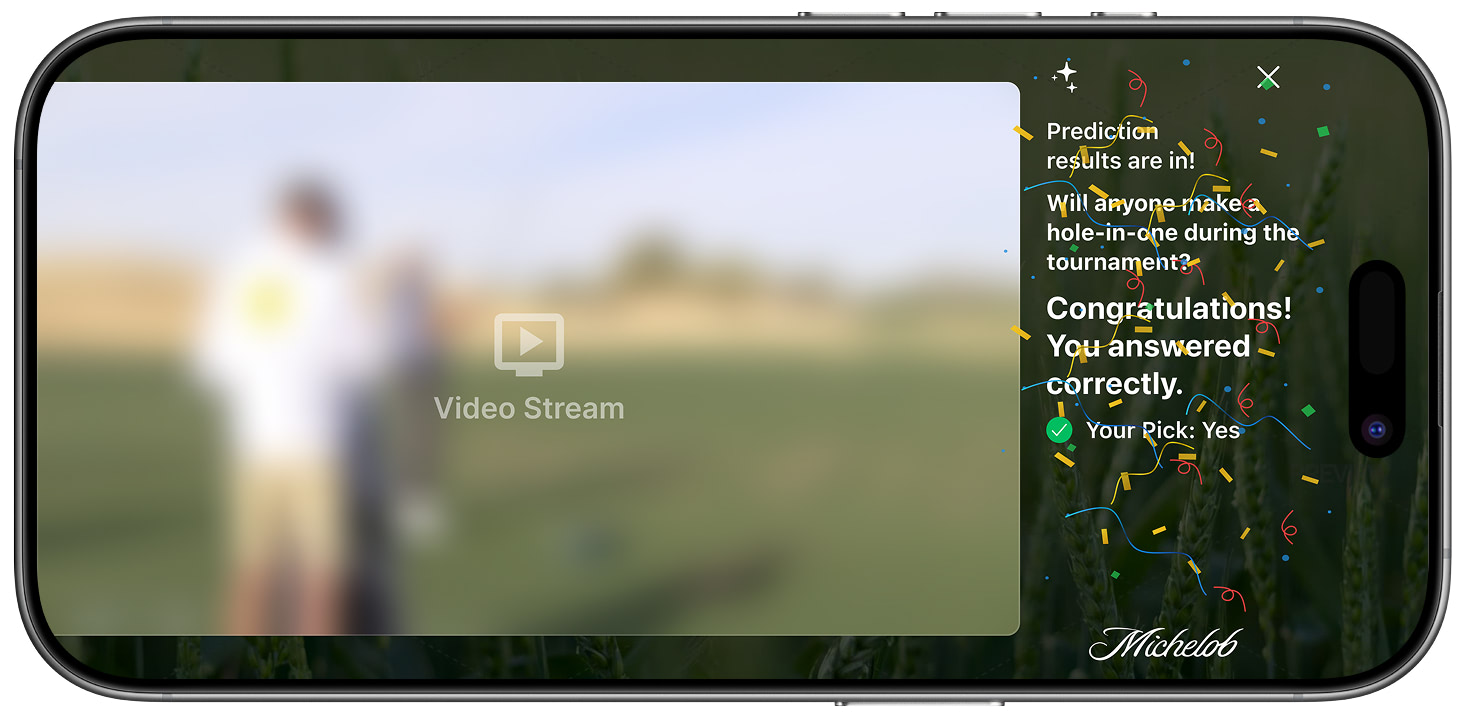
Sidebar Example 2
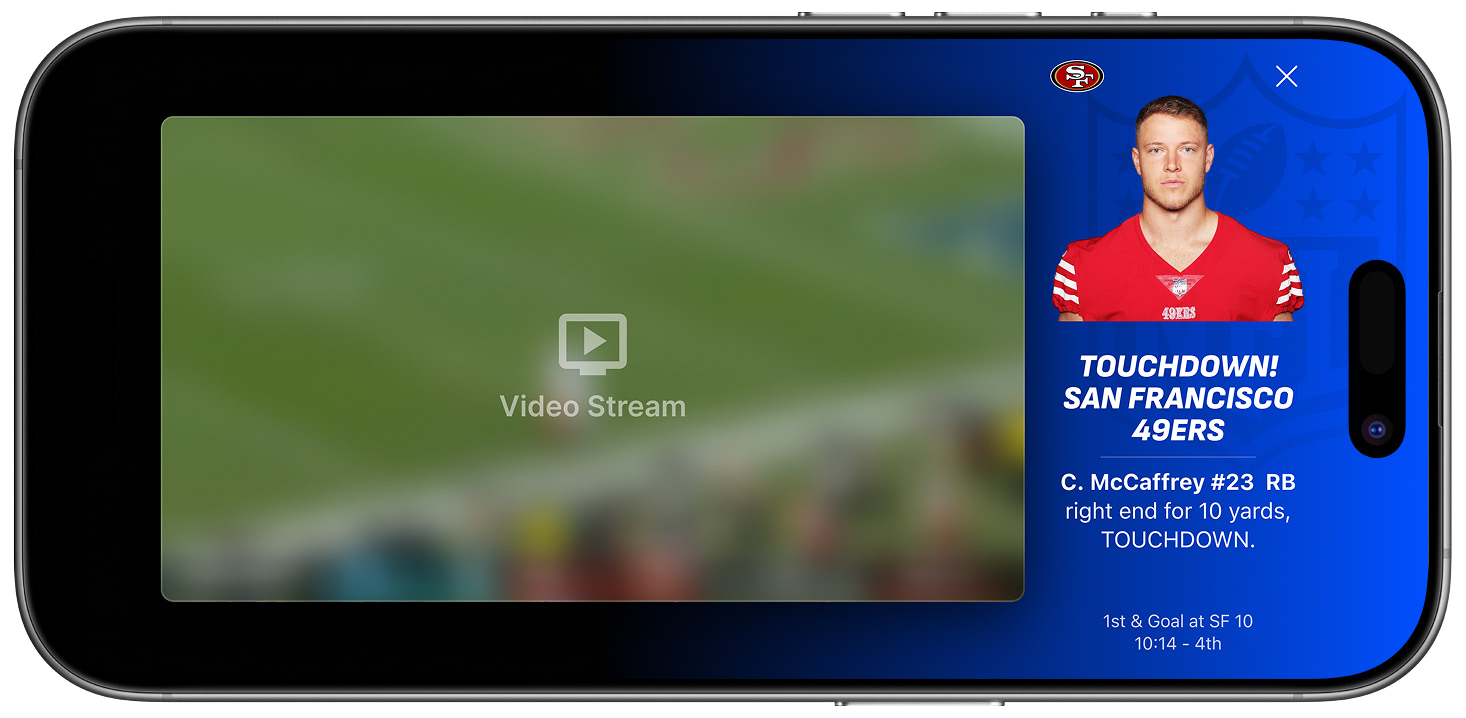
Sidebar Example 3
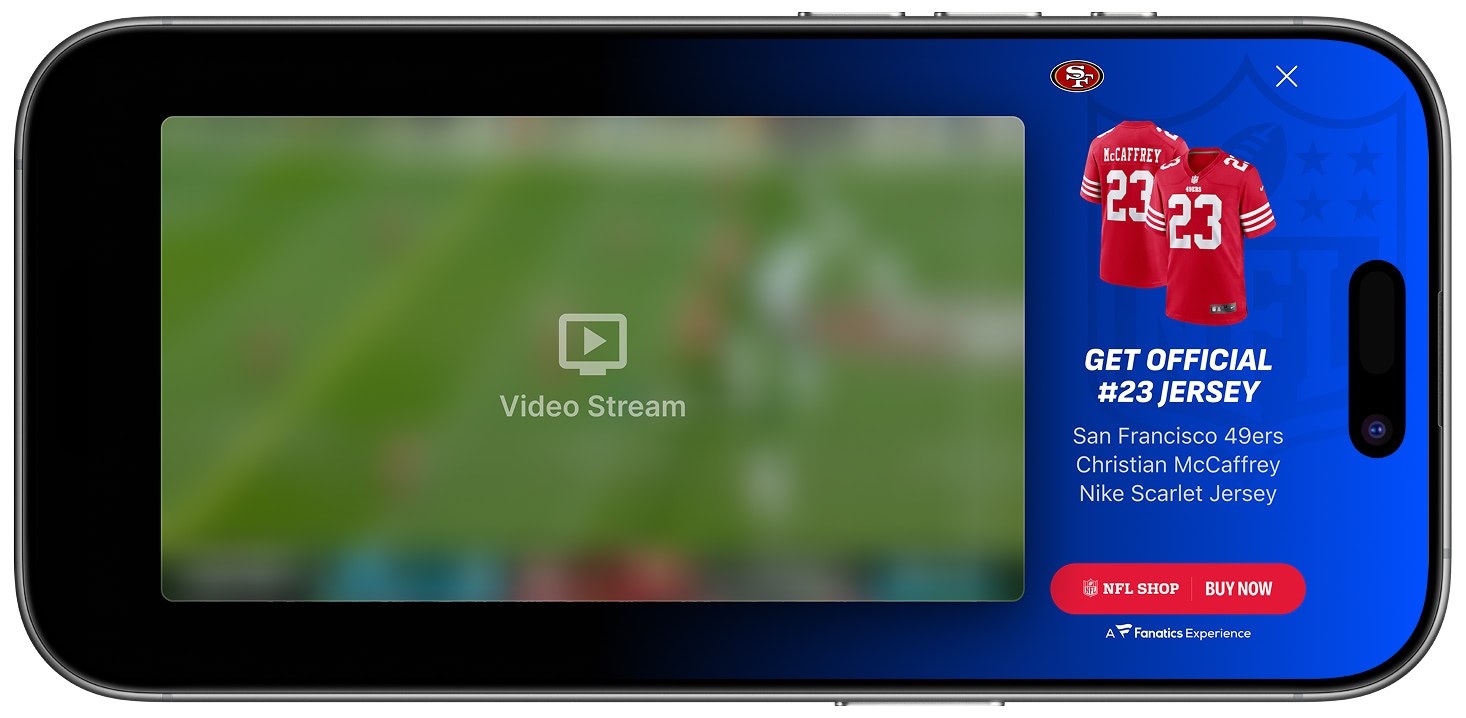
Sidebar Example 4
Related
- Insights — Real-time stat updates and factoids
- Free-to-Play Games — Polls, trivia, and prediction notifications
- Social Highlights — Social feed notifications
Updated 8 months ago