
Messaging
StreamLayer Messaging enables private 1-on-1 and group conversations within the video experience.
Note: This feature is available on mobile (iOS, Android, React Native) and web. On CTV platforms, enable a second-screen setup so viewers can participate from their phone while watching on TV.
StreamLayer Messaging lets viewers chat with friends through private 1-on-1 or group conversations without leaving the video experience. Viewers can discuss a play, share a betting opportunity, or react to a highlight—all while the stream continues.
Messaging is available to any user authenticated with the StreamLayer SDK.
Key Features
- Private 1-on-1 messages
- Group messages with multiple participants
- Emoji support
- Initiate private messages to individual participants of a group message
- Initiate calls to one or all participants of a group message
- Invite friends to join
Using Messaging
Step 1 — Open the Submenu
Tap the Launch Button in the lower-right corner of the screen and select the messaging icon from the submenu.
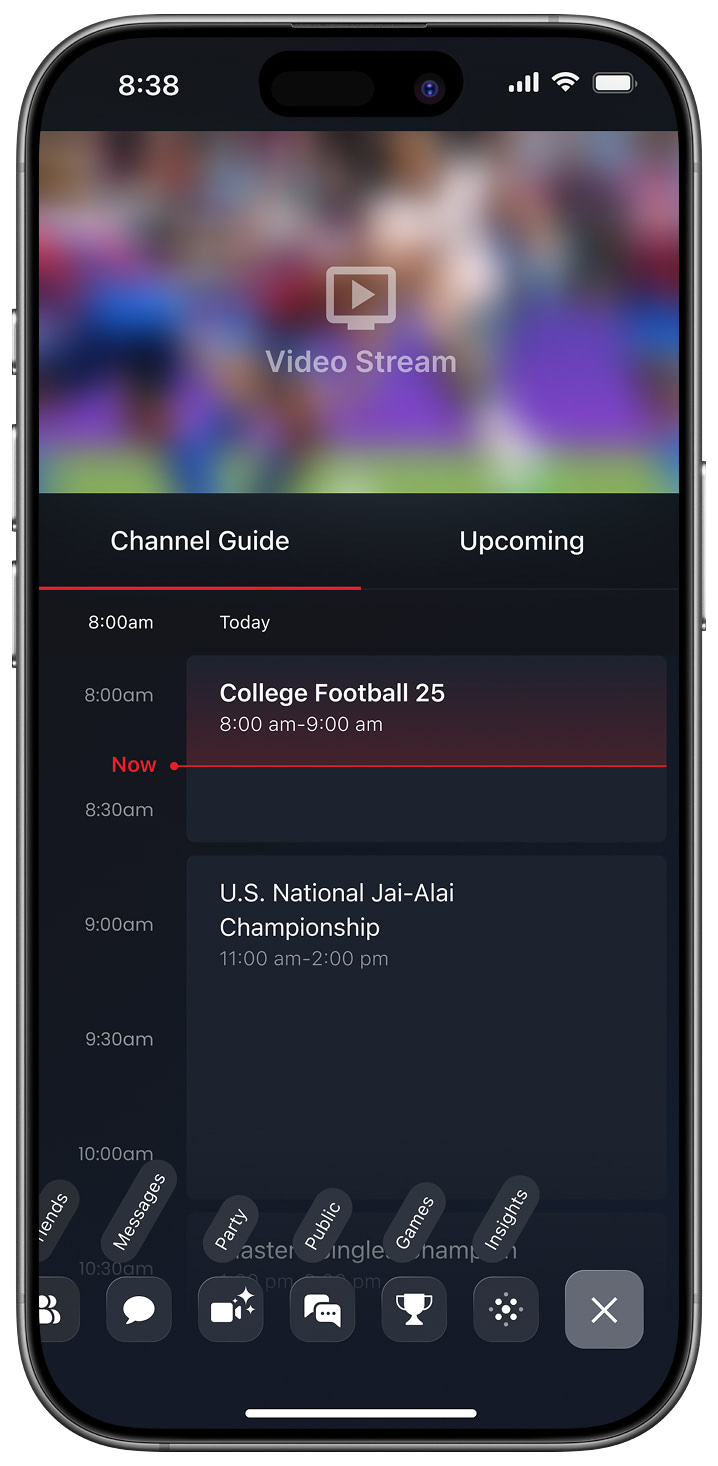
Exposed Menu
Step 2 — Start or Continue a Conversation
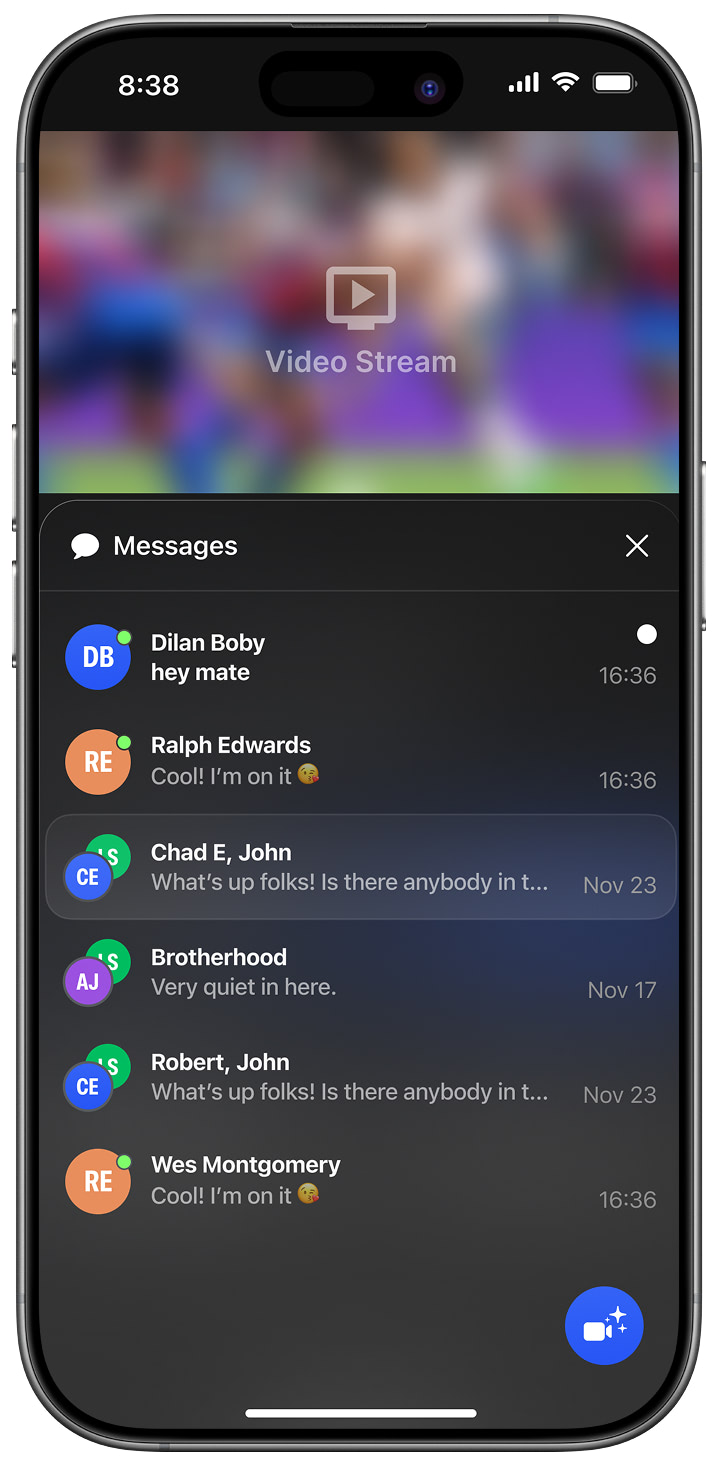
Home Screen
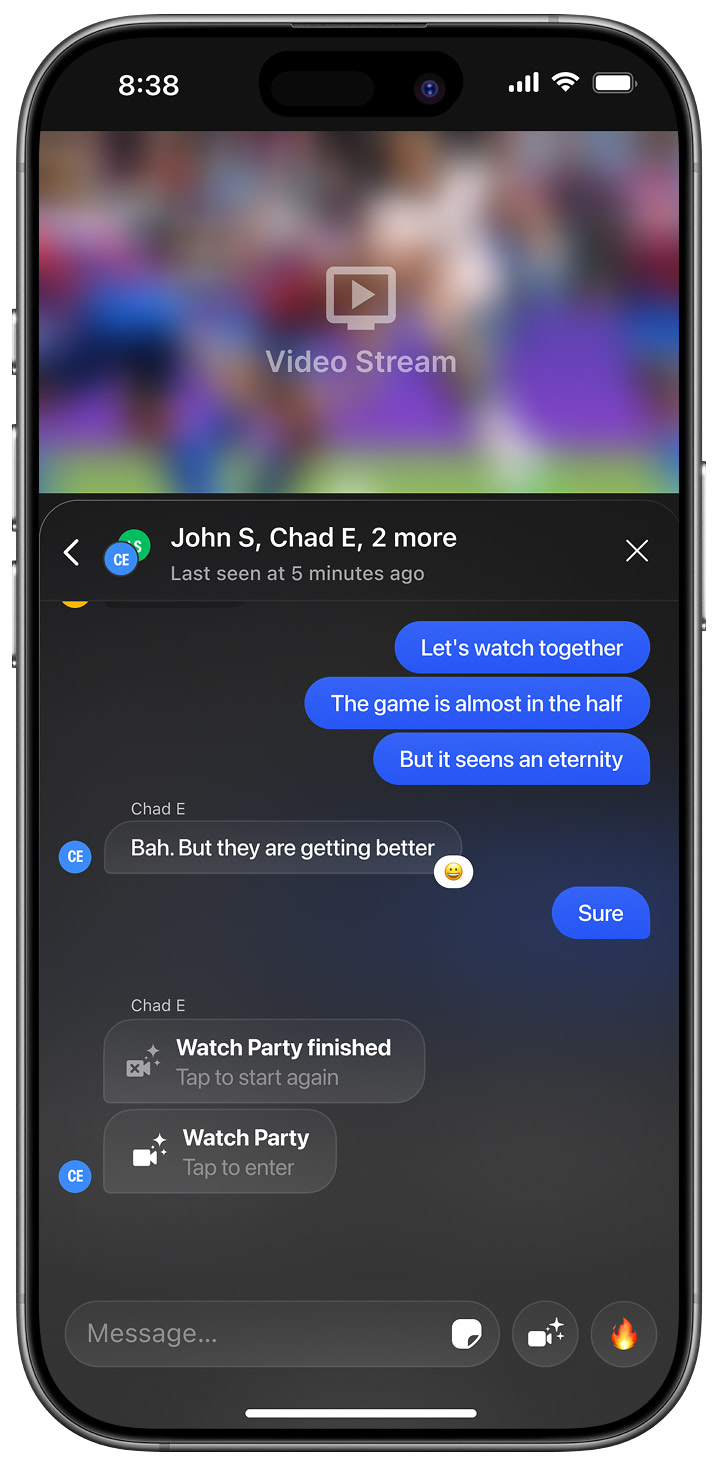
Group Chat View
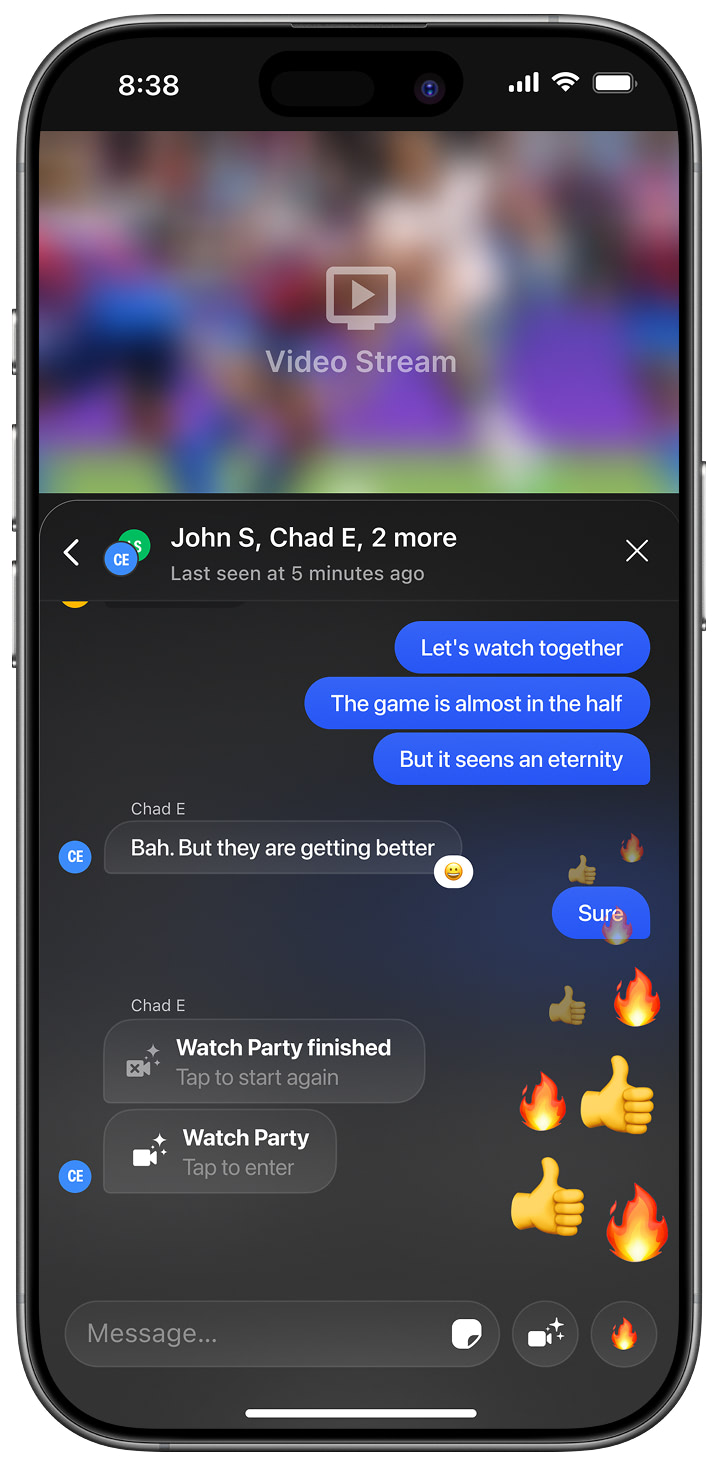
Chat Reactions
Related
- Public Chat — Open chat for all viewers of a stream
- Who's Online — See which friends are in the app
Updated about 1 month ago