
Avoid Tab Bar Overlap
Prevent the StreamLayer Launch Button from overlapping your UITabBar by adding a bottom offset to the overlay container.
If your host app uses a UITabBarController, the StreamLayer Launch Button can overlap the tab bar. To prevent this, add a bottom offset to the StreamLayer Element view container's constraints (typically 84 points). See PresentStreamSceneViewController.swift in the sample project for the relevant function.
Replace the default constraint:
// Portrait
overlayVC.view.snp.remakeConstraints { [weak view] make in
   guard let videoPlayer = videoPlayer else { return }
   $0.top.equalTo(videoPlayer.view.snp.bottom).offset(-40)
   $0.left.right.bottom.equalTo(0)
}
With this version that adds a bottom offset:
// Portrait (with bottom offset)
overlayVC.view.snp.remakeConstraints { [weak view] make in
   guard let videoPlayer = videoPlayer else { return }
   $0.top.equalTo(videoPlayer.view.snp.bottom).offset(-40)
   $0.left.right.equalToSuperview()
   $0.bottom.equalToSuperview().offset(-84)
}
Portrait Examples
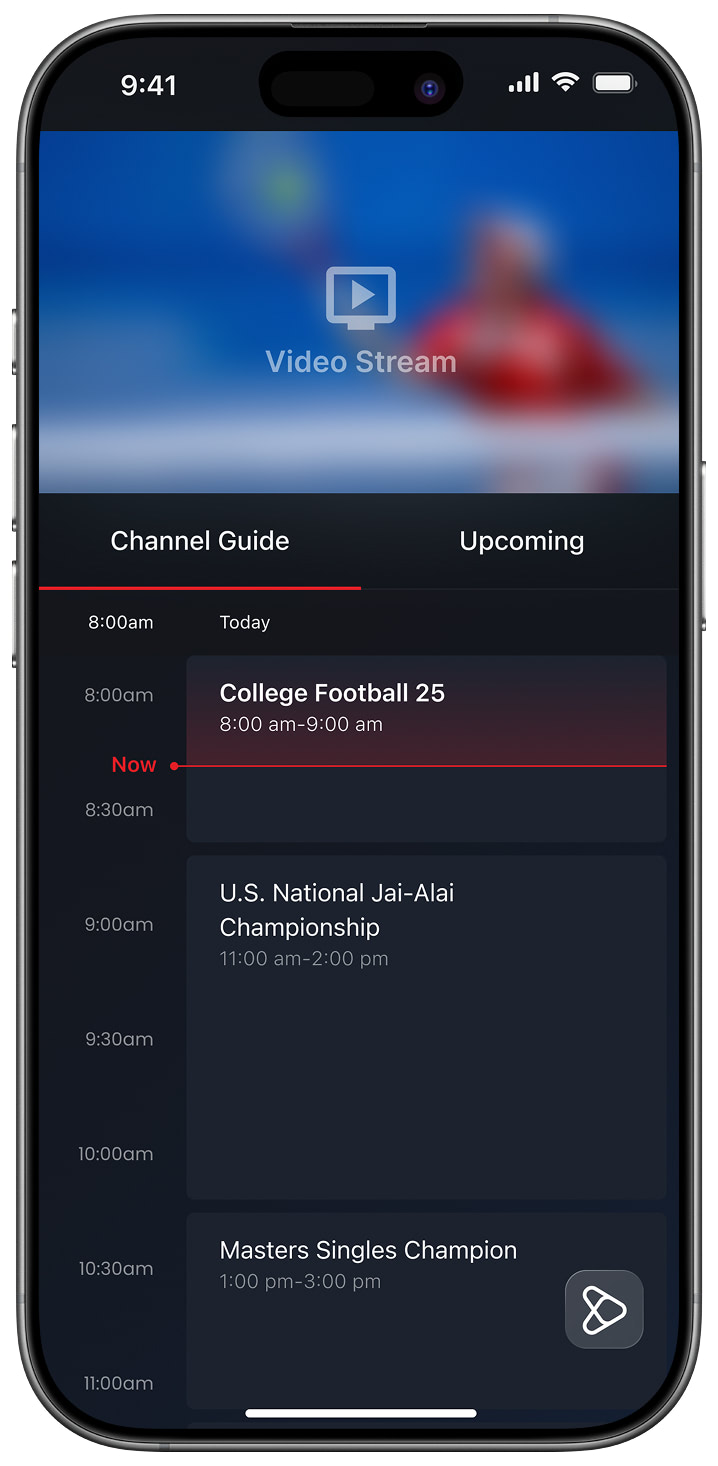
Launch Button Collapsed
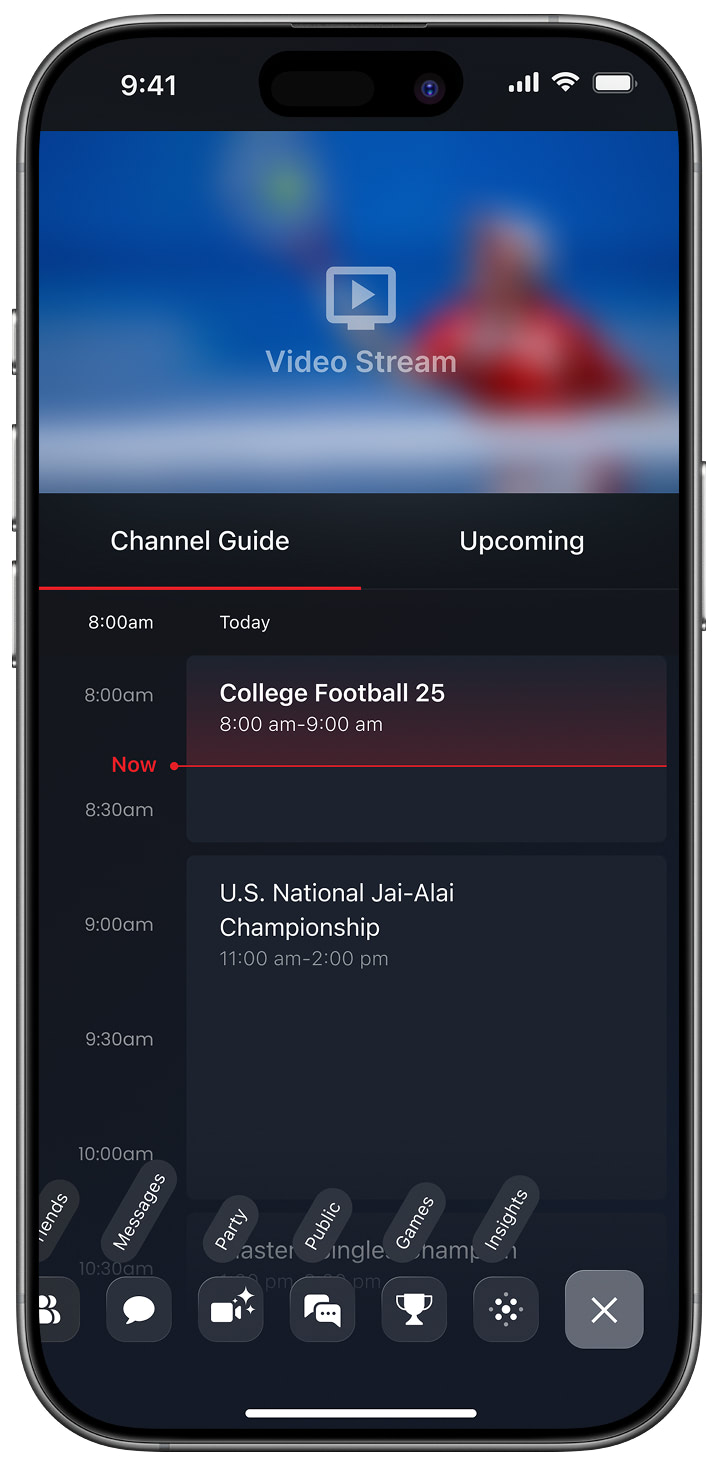
Launch Button Exposed
Landscape Examples
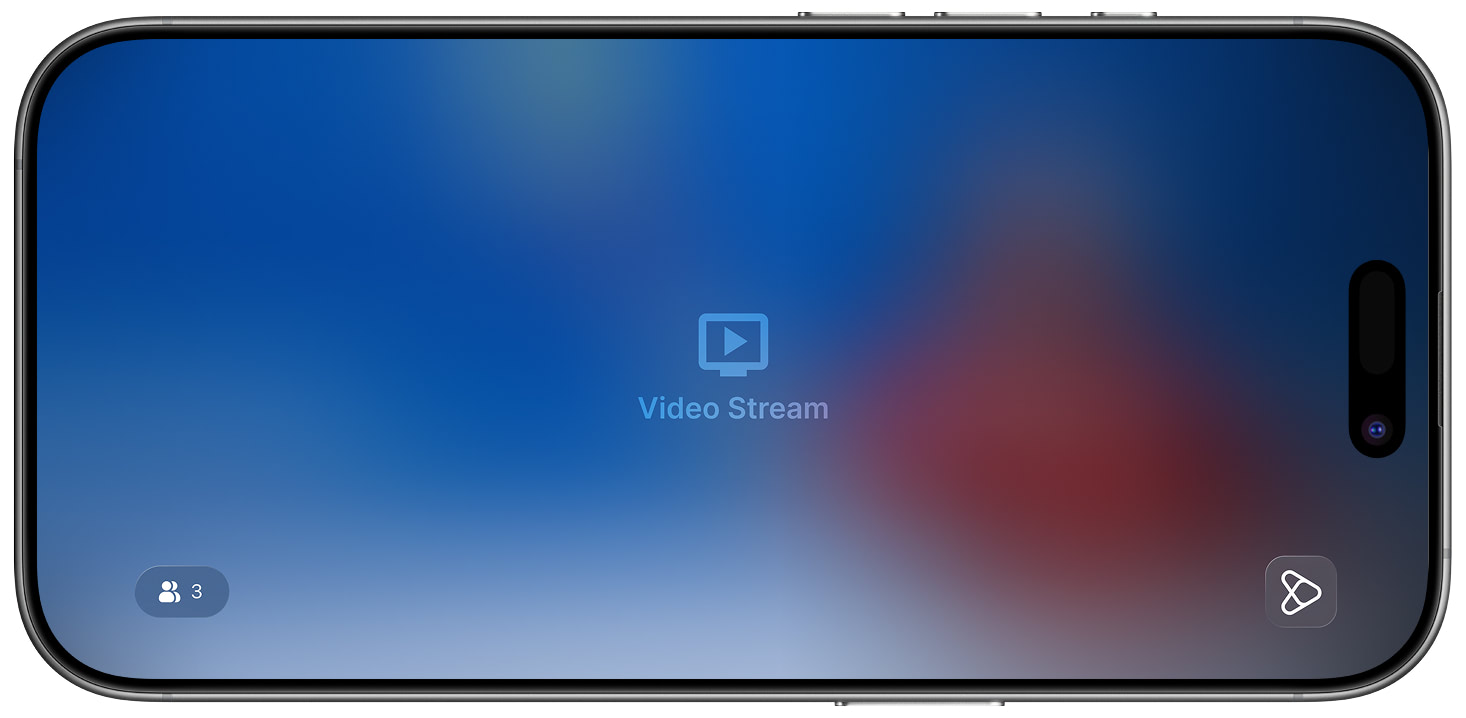
Launch Button Collapsed
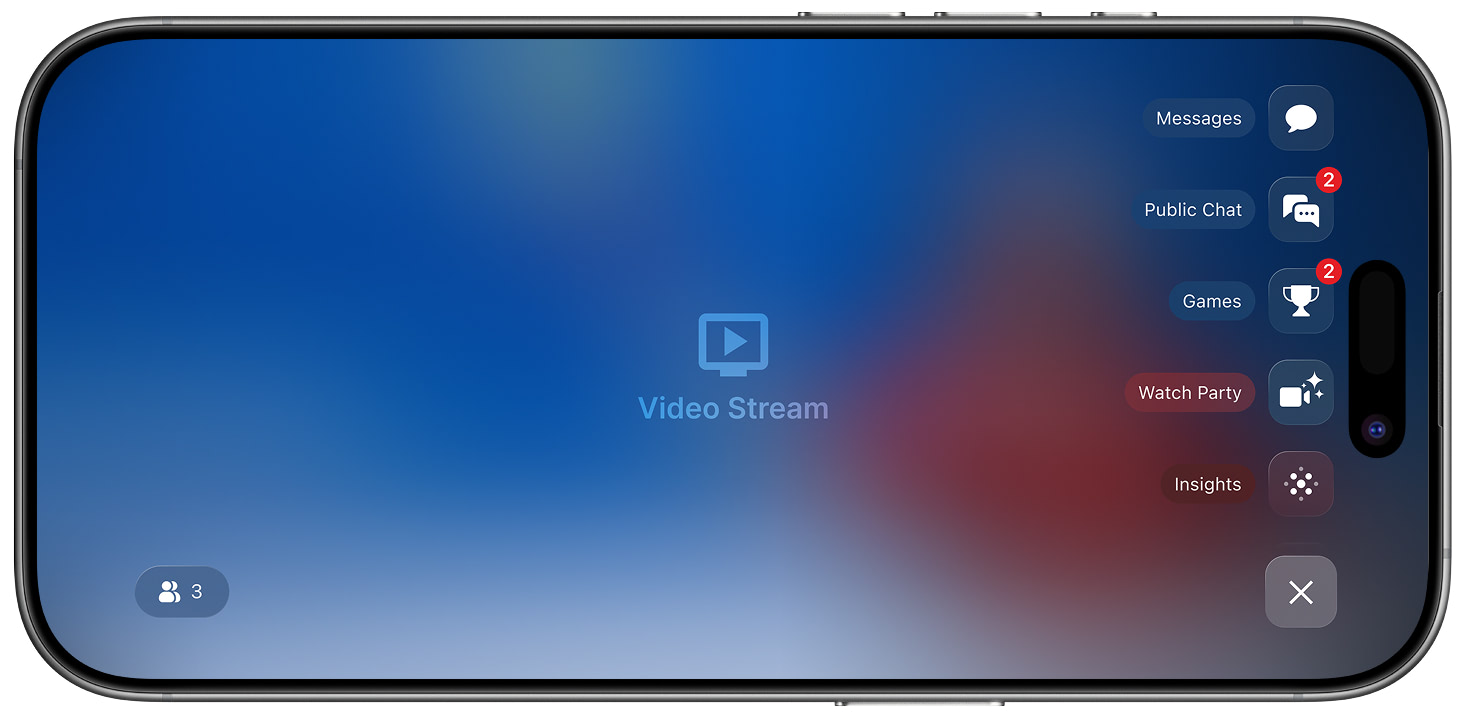
Launch Button Exposed
Related
- Launch Button and Submenu — Full Launch Button configuration
- Constraints Guide — General StreamLayer Element positioning
Updated 8 months ago