
Auto-Post
Moderators can choose to activate content that is the Queue column by configuring the Auto-Post functionality. Auto-Post settings can be based on world clock, game clock or period, or at a set interval. When configured, game questions or advertisements will be automatically activated into the video player without needing a live moderator.
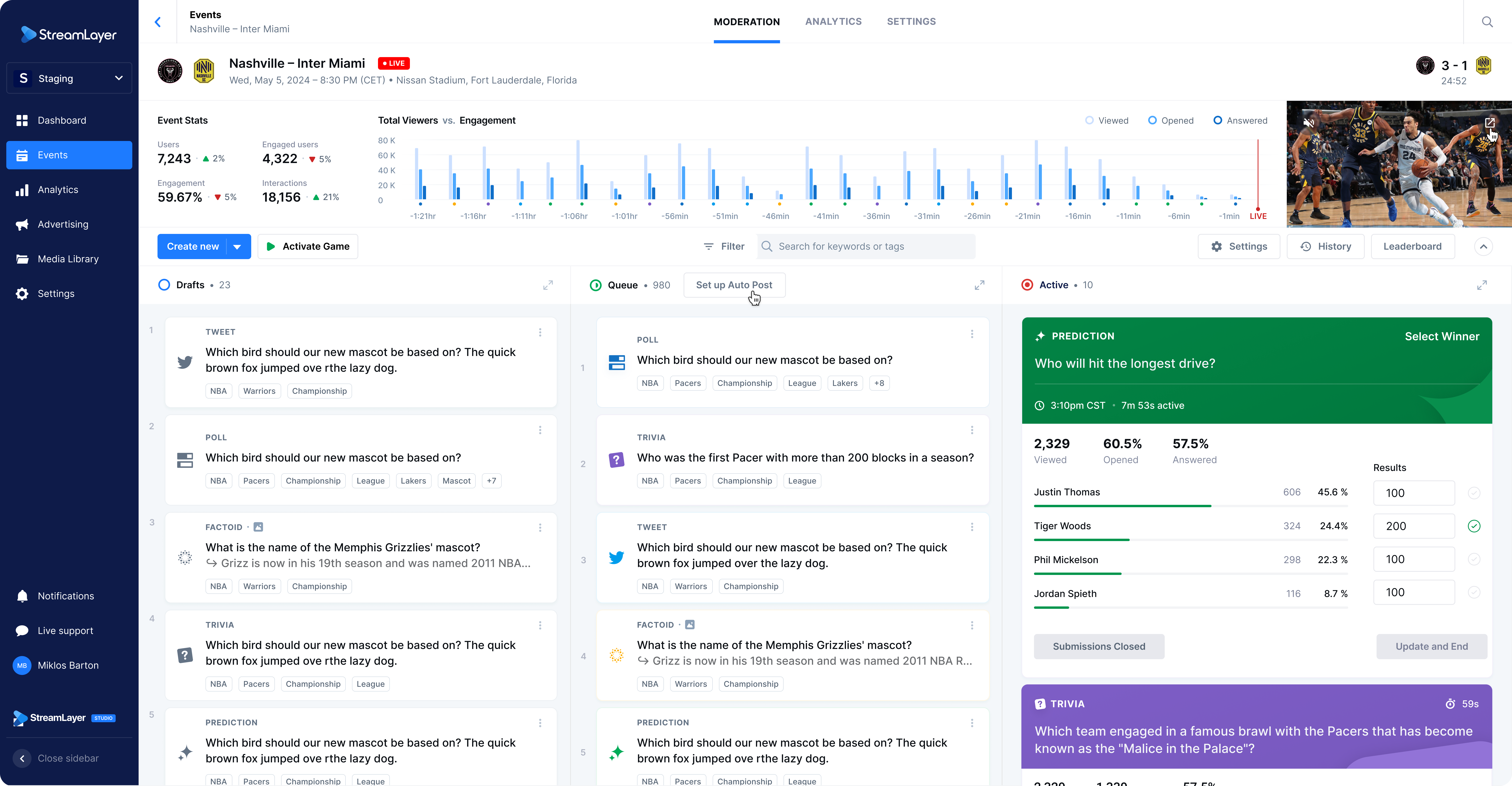
Configuration Steps
- Choose an auto-post setting:
- World Clock: Activate a card at a specific time
- Game Clock or Period: Activate a card at a specific moment in the associated game, dependent on the underlying sport
- Start of Half / End of Half
- Start of Period / End of Period
- Start of Quarter / End of Quarter
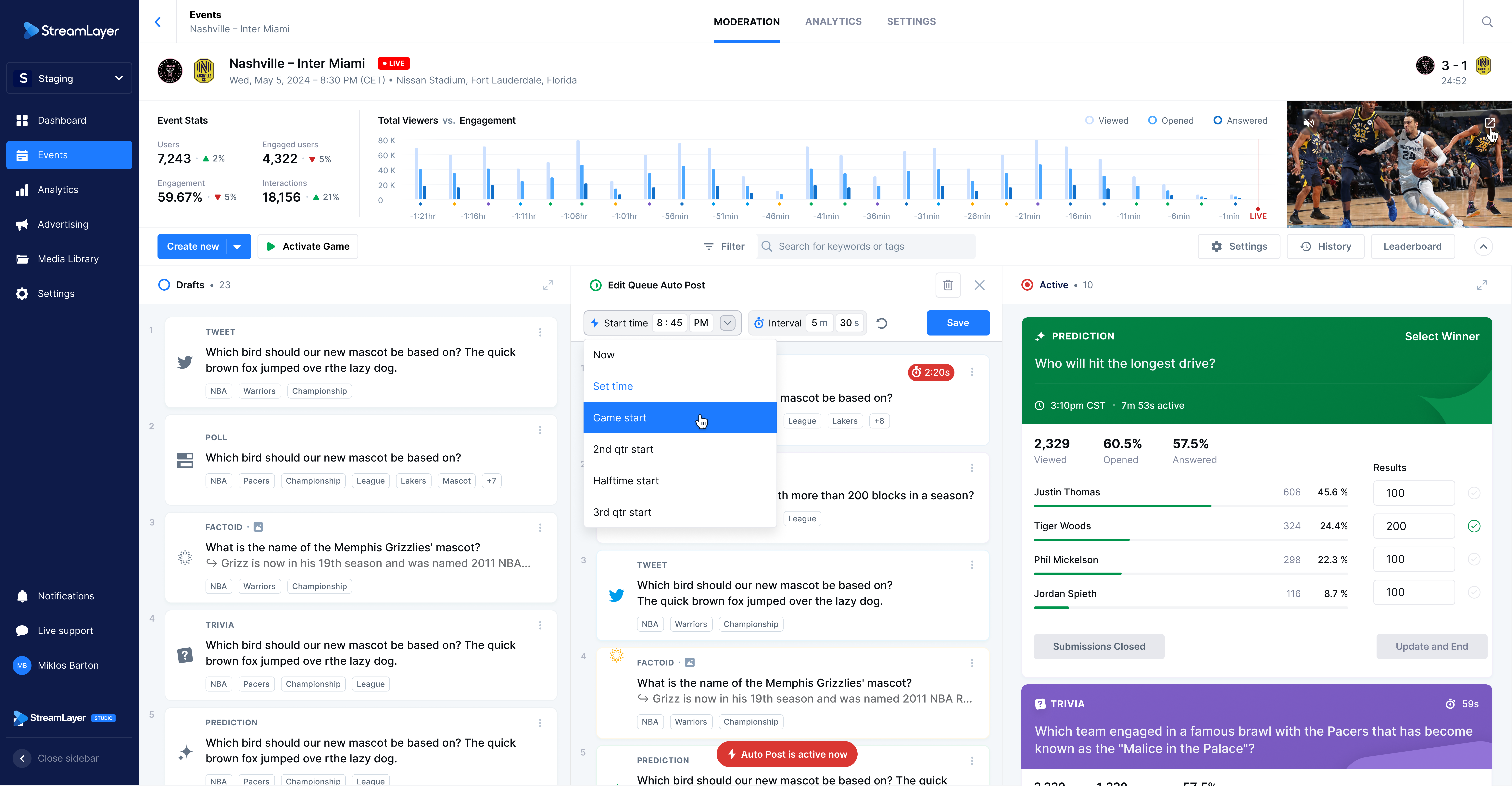
- Indicate a start time for auto-post settings. No cards will be activated before that time.
- Set an Interval. For example, if Auto-Post is setup via world clock to start at 8:45p with a 5 min interval, cards in the Queue column will activate in order starting at 8:45p and thereafter at 8:50p, 8:55p, 9p, etc.
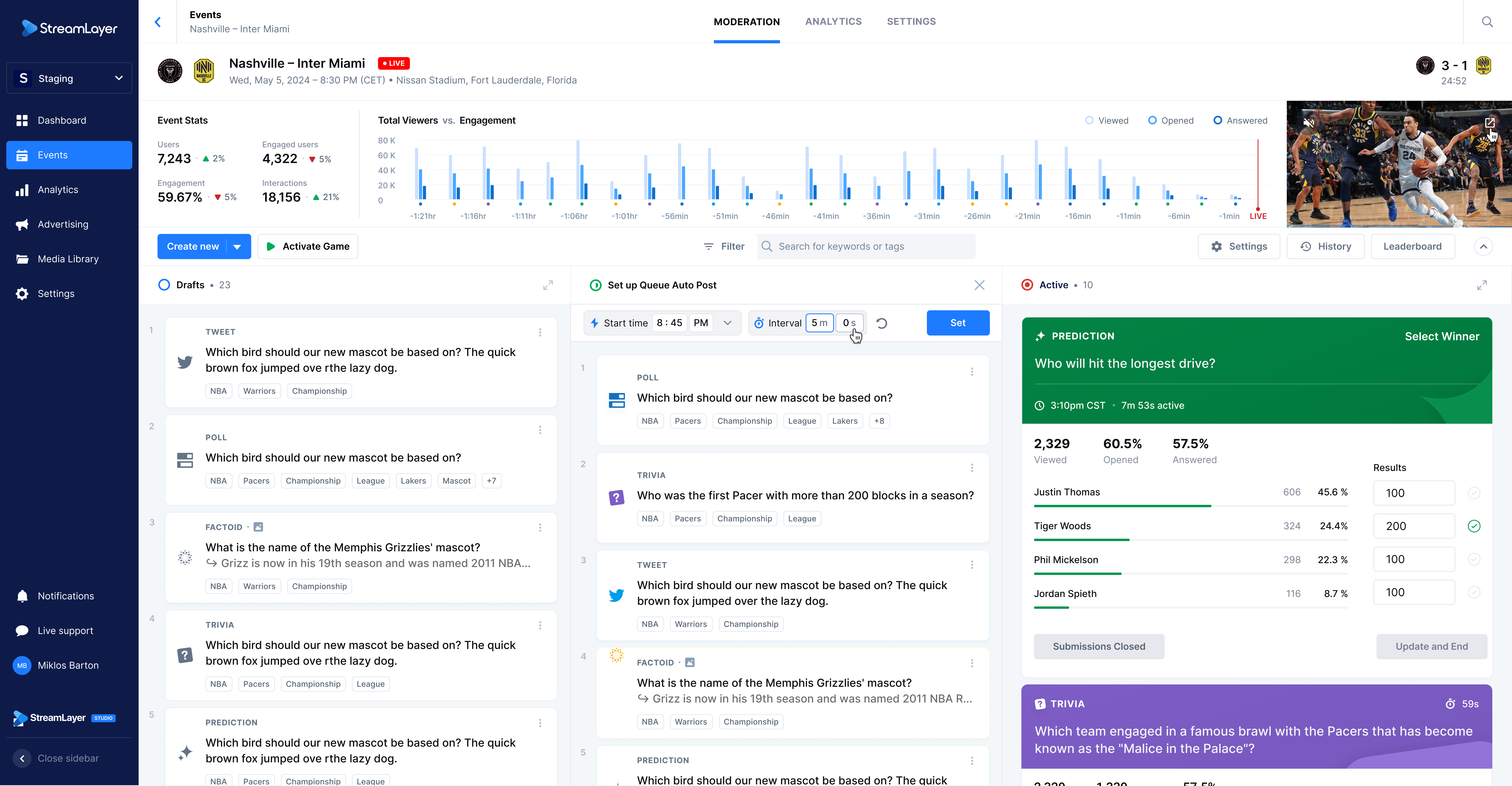
Note: moderators can manually activate any card at any time when Auto-Post is configured. If an interval is set, it will reset the countdown timer on the next card so that it is activated according to the interval time. If an auto-post is configured based on game clock, that card will still be activated according to the moment in the game.
Updated 12 months ago