
Social Highlights
StreamLayer Social Highlights bring a live, curated social feed from configured X (Twitter) accounts and hashtags directly into the viewing experience.
Note: This feature is available on mobile (iOS, Android, React Native) and web. On CTV platforms, enable a second-screen setup so viewers can participate from their phone while watching on TV.
StreamLayer Social Highlights bring a live, continuously updated social feed directly into the viewing experience. Posts are sourced from X accounts or hashtags configured in StreamLayer Studio and can be accessed in two ways: through a dedicated button that opens a StreamLayer Element with all related posts, or through moderator-selected posts that are highlighted and pushed into the stream at key moments.
Key Features
- Dedicated menu button with a live feed of all configured posts
- Moderator-selected posts can be highlighted and pushed directly into the stream
- Tap into posts to view full details and embedded media
- Video posts automatically take over audio while game audio is reduced
- Feed continuously syncs with the StreamLayer server via the X API
Examples
Moderator-Highlighted Posts
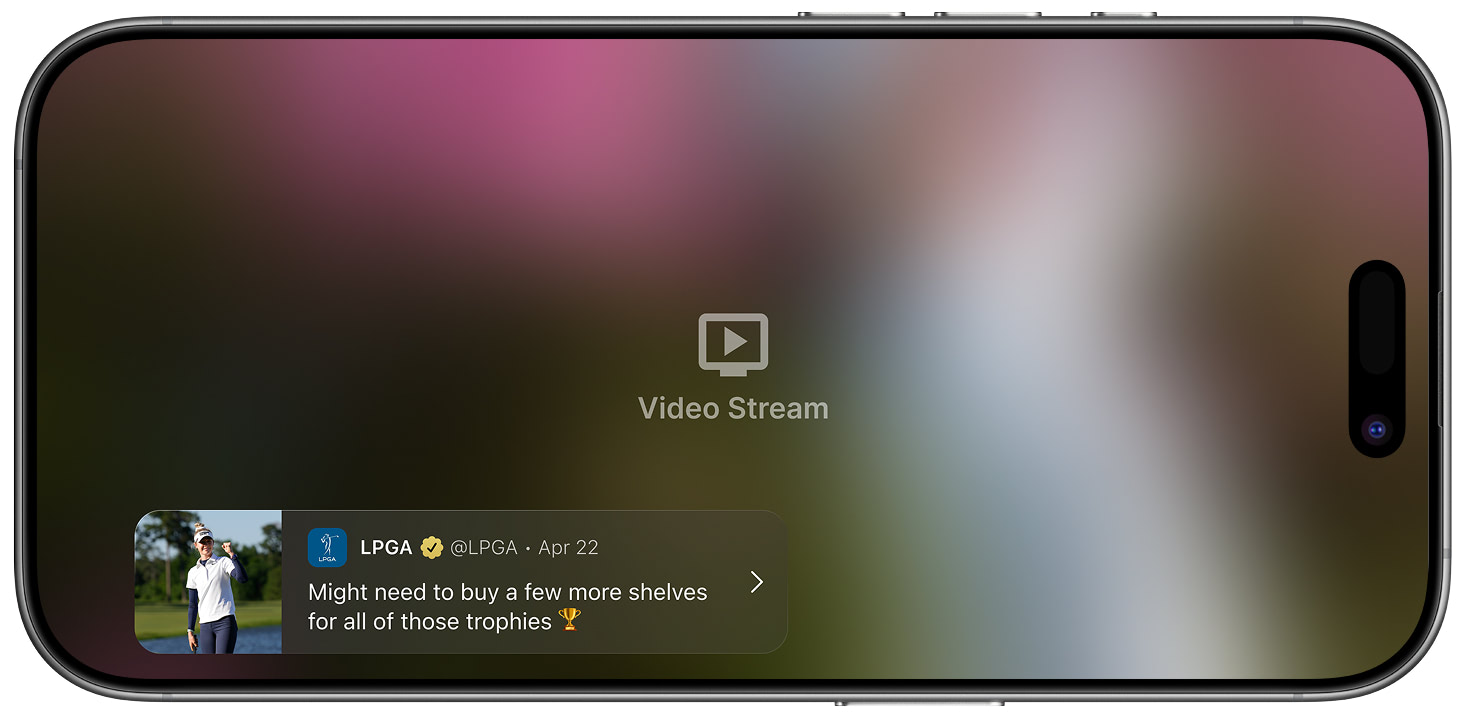
Notification
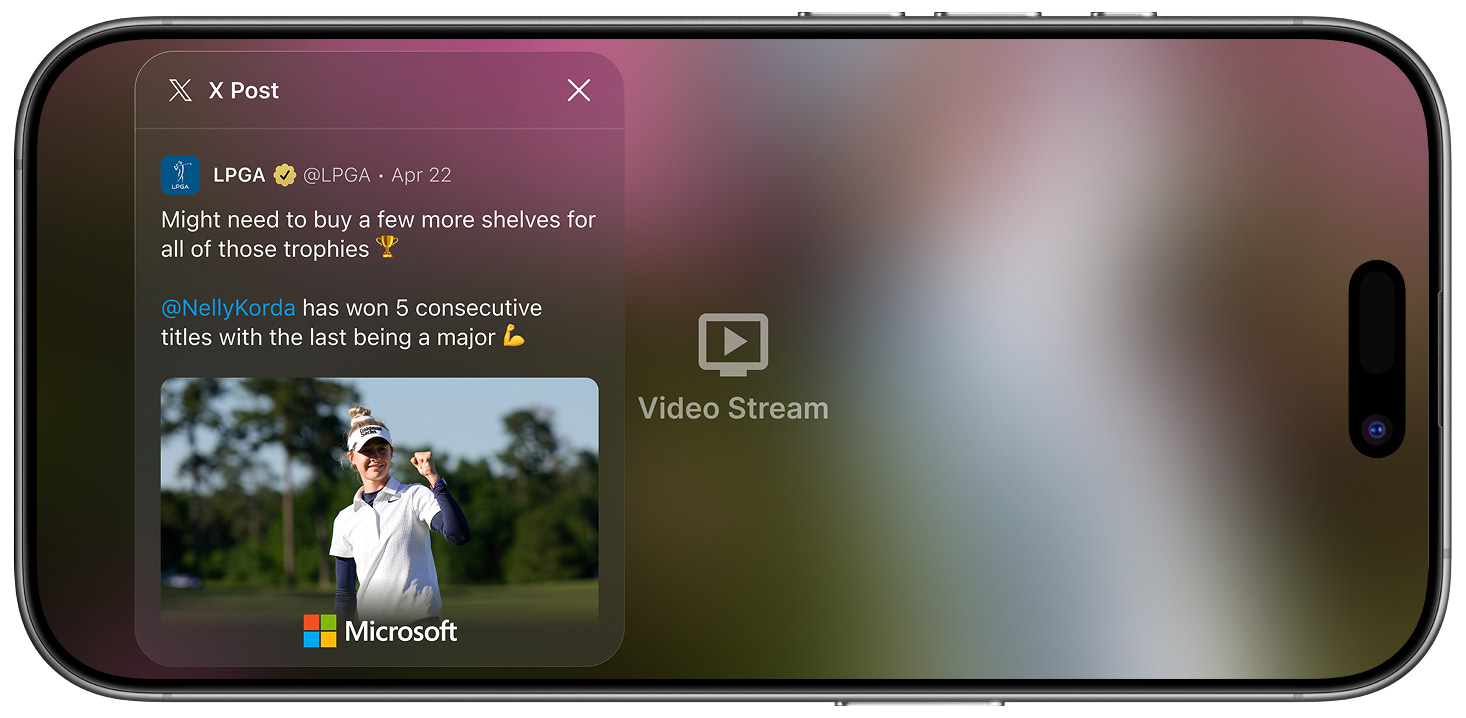
Overlay Mode
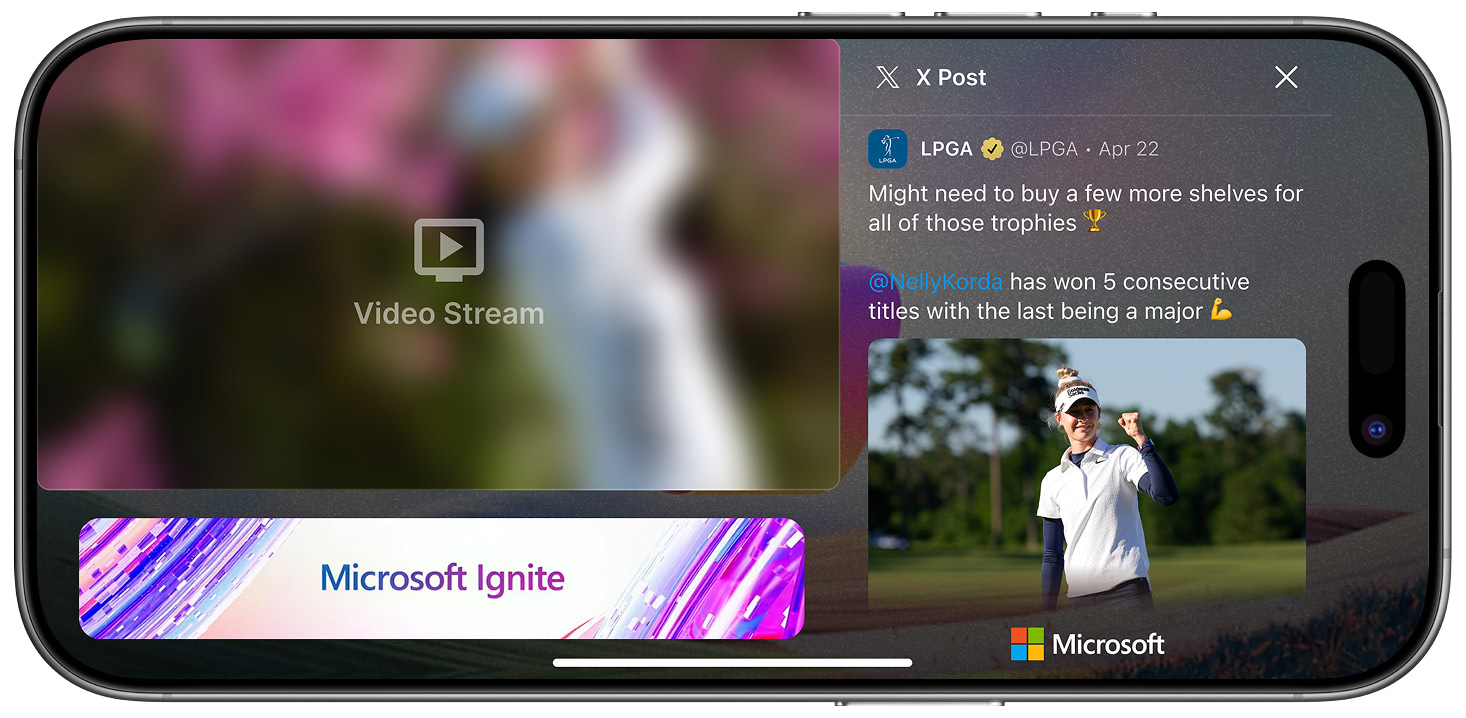
L-Bar View
Featured posts can include video. You can play videos inline within the side panel or expand them to full screen.
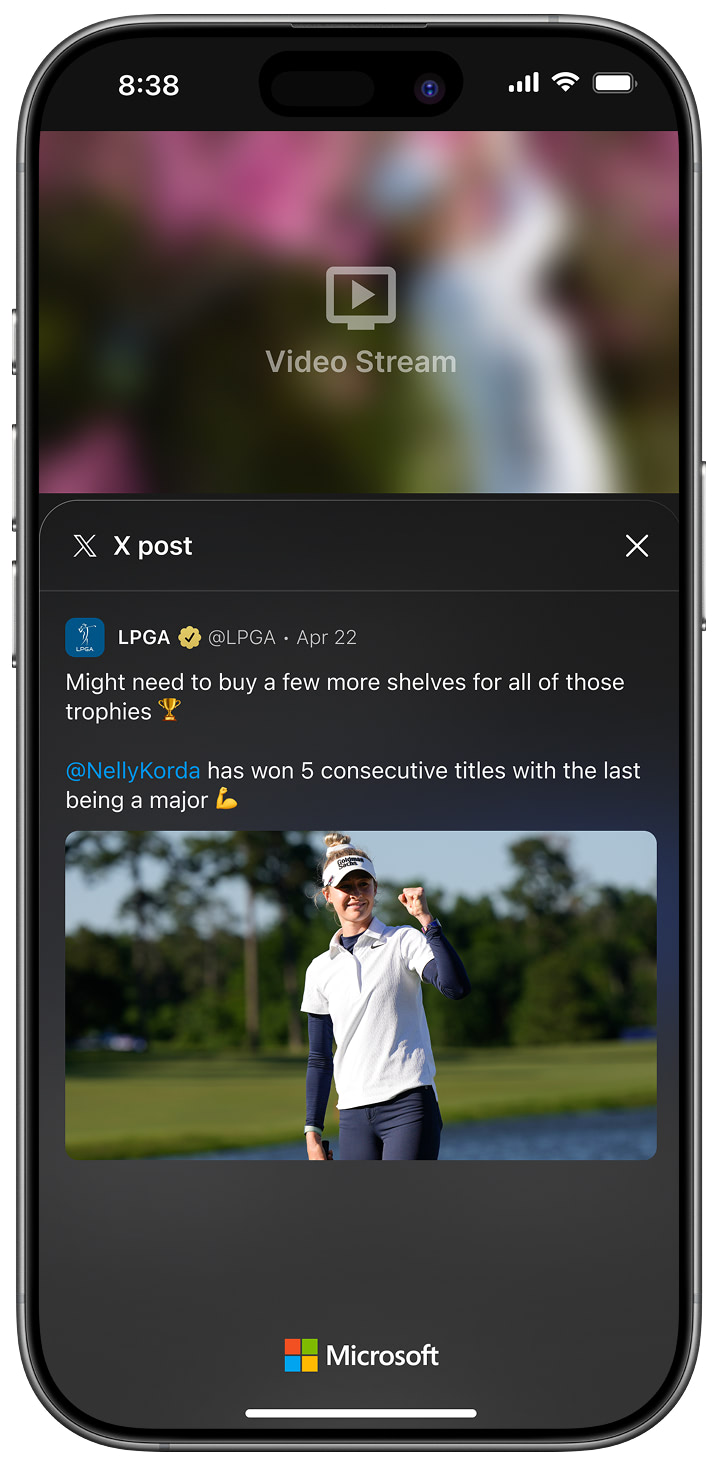
Portrait View
Related
- In-App Notifications — Notifications for new and highlighted posts
- Insights — Real-time updates using the same notification framework
Updated 8 months ago