
Live Stats
StreamLayer Live Stats provide in-stream access to game summaries, player stats, and performance tracking synced to the video timeline.
Note: This feature is available on mobile (iOS, Android, React Native) and web. On CTV platforms, enable a second-screen setup so viewers can participate from their phone while watching on TV.
StreamLayer Live Stats give viewers access to detailed statistical information about any game without leaving the video stream. Data is synced to the video through timestamps, ensuring that no viewer is spoiled by stats that reveal outcomes before they appear on screen.
StreamLayer integrates with your preferred data provider and renders the information within the StreamLayer Element. Clients control how much detail to display—from summary stats to detailed play-by-play and advanced analytics.
Summary
Summary view shows an overall breakdown of the game or match, with additional information accessible via scrolling.
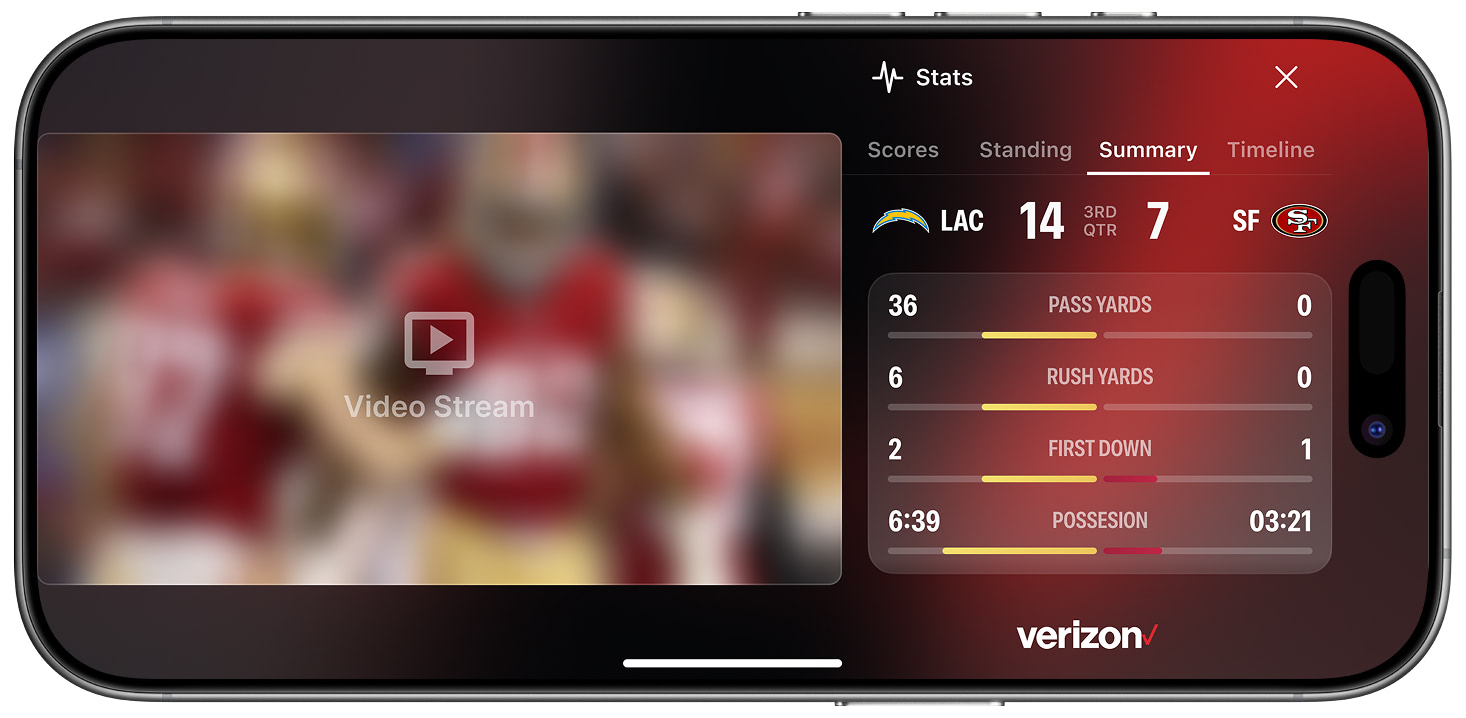
Stats: Summary View
Player Stats

Player Stats
Performance
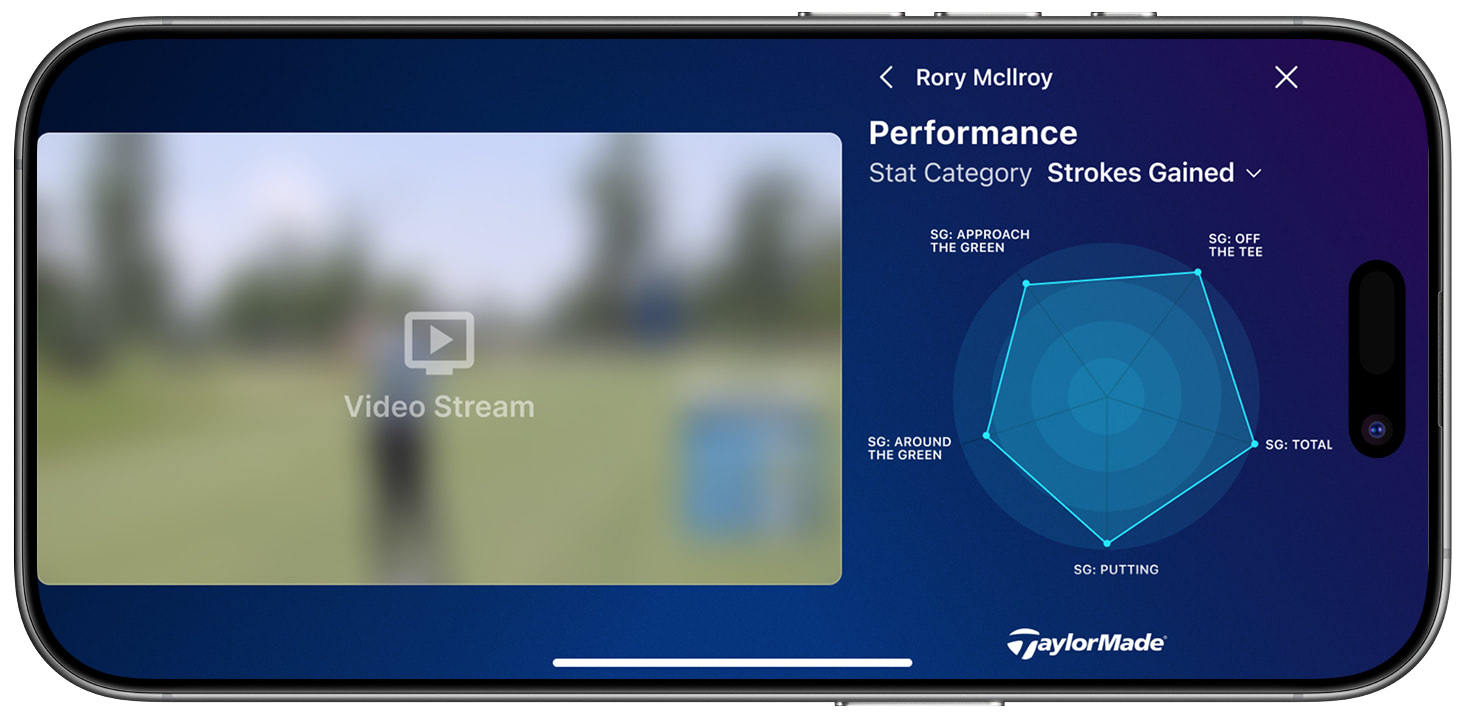
Player Performance
StreamLayer Element Player Stats
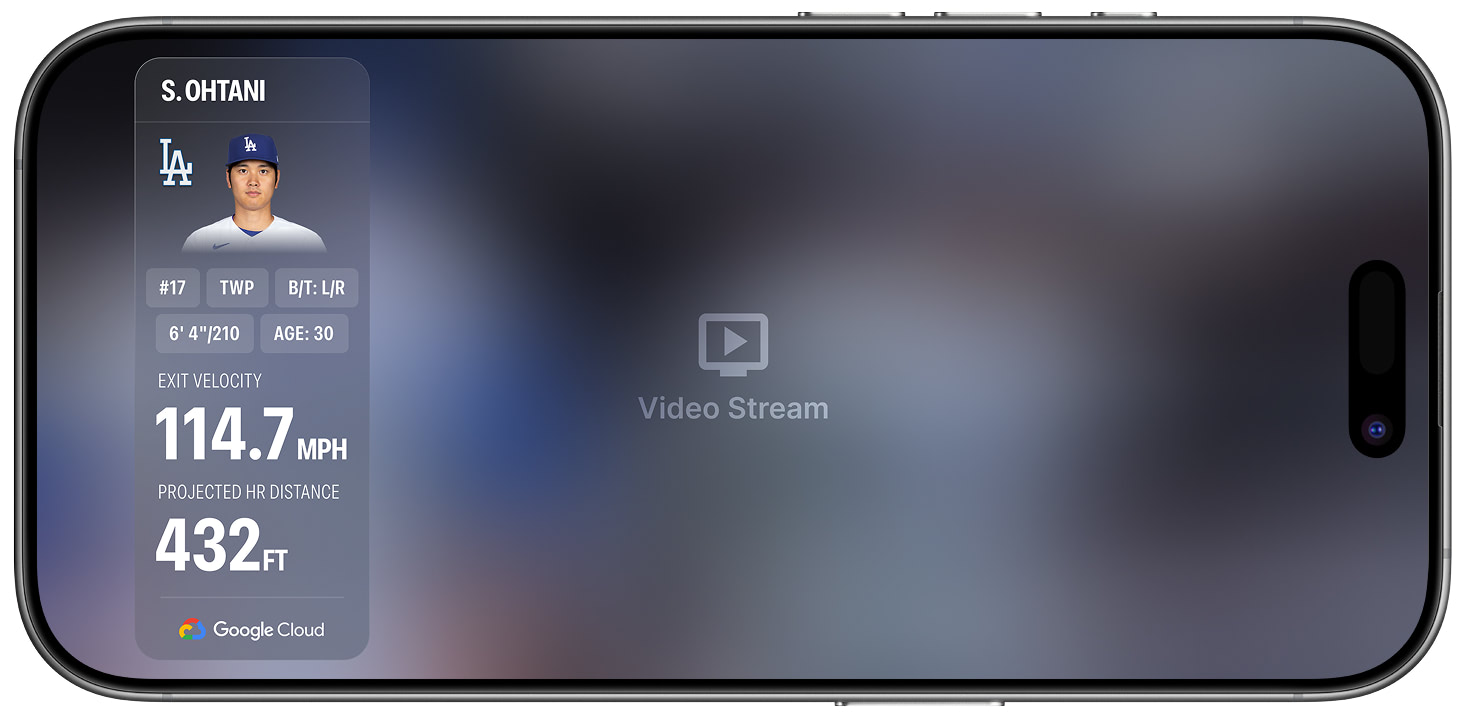
StreamLayer Element Player Live Stats
Related
Updated 8 months ago